
Why use an app for leaf identification?
When you search for an app for leaf identification you want two things: speed and accuracy in the field. A modern leaf identifier app uses computer vision and large reference databases to reduce the time from observation to identification from days to seconds. Whether you're a botanist confirming Quercus robur (English oak) or a parent asking whether a roadside shrub is toxic, a reliable app brings expert-level knowledge to your phone.
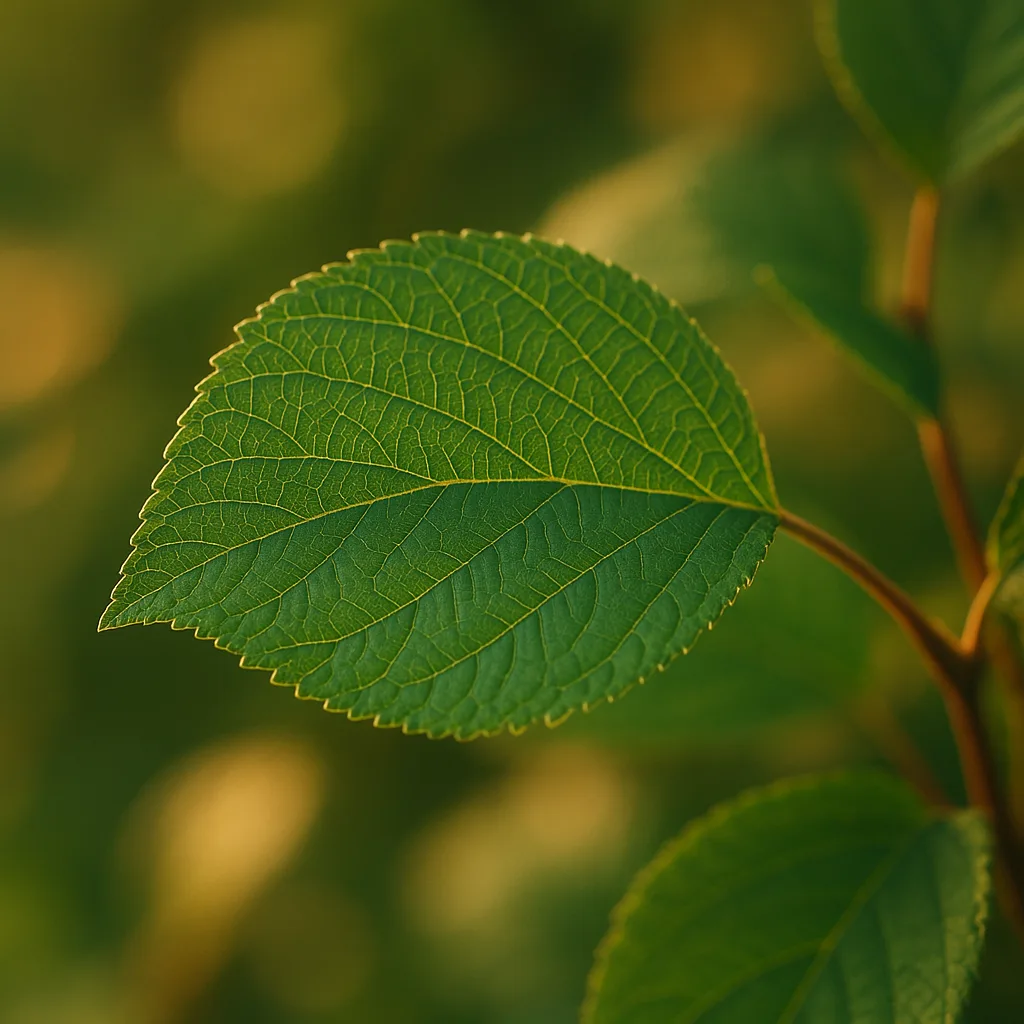
- Instant feedback: many apps return candidates in under 5 seconds on a modern smartphone.
- Education: learn botanical terms (pinnate, palmate, serrate) and species' ecology.
- Data collection: apps can log GPS, date and photo for citizen science and phenology tracking.
- Safety: identify toxic plants like Toxicodendron radicans (poison ivy) before exposure.
How leaf identification apps work
Leaf identifier apps generally combine three components: image analysis, metadata (location/season), and curated taxonomic databases. Understanding these helps you evaluate accuracy and choose the right tool.
1. Computer vision and AI
Most apps use convolutional neural networks (CNNs) trained on tens of thousands to millions of labeled plant images. On curated test sets, top models achieve high top-5 accuracy (often 80–95%), but field performance is typically lower due to lighting, partial leaves, or non-standard angles.
2. Reference libraries and taxonomy
Databases map images to scientific names (e.g., Acer saccharum) and common names (sugar maple). Apps that link to vetted herbaria or museum databases—Leafsnap grew from Columbia University and the Smithsonian—tend to have better taxonomic coverage.
3. Contextual filters
Location (latitude/longitude), date (season), and user-supplied habitat info narrow down candidates. For example, a palm leaf is unlikely in boreal Canada; a flowerless oak in winter may be identified by leaf scars or persistent dead leaves.
For more on this topic, see our guide on Identify Plants Faster: Expert Guide.
- Image model: CNN or transformer-based image classifier.
- Metadata: GPS, date, user notes.
- Human validation: community or expert review to confirm IDs.
What to look for on a leaf: practical identification tips
Experienced botanists parse a handful of visual cues to identify a leaf. Use your app to supplement these observations rather than replace them.
Key visual cues
- Leaf arrangement: alternate, opposite, or whorled along the stem. Example: Acer (maples) are opposite; Quercus (oaks) are alternate.
- Leaf type: simple (single blade) vs pinnate or bipinnate compound (multiple leaflets). Examples: Fraxinus excelsior (ash) has pinnate leaves; Aesculus hippocastanum (horse chestnut) is palmately compound.
- Shape: ovate, lanceolate, cordate (heart-shaped), deltoid (triangular). Measure: many field guides use approximate length in cm—e.g., Betula papyrifera leaves 4–7 cm long.
- Margin: entire (smooth), serrate (saw-toothed), dentate (teeth pointing outward), or lobed. Acer saccharum has palmate lobes; Quercus robur has deep rounded lobes.
- Venation: pinnate (one midrib with secondary veins) or palmate (many main veins from one point). Ginkgo biloba has dichotomous venation—distinctive fan-shaped veins.
- Surface texture: glabrous (smooth), pubescent (hairy), waxy, or leathery. For example, many Mediterranean species have leathery, glossy leaves adapted to drought.
- Petiole and base: presence or absence of a petiole, sheath, or pulvinus; measure petiole length in mm or cm for tricky IDs.
- Color patterns: variegation, autumn color (e.g., Acer rubrum turns red-orange), or persistent chlorosis indicate species or stress.
Tips for photographing leaves for apps
- Capture the entire leaf and a close-up of the margin and venation.
- Include scale: a ruler or a coin (US quarter ≈ 24 mm) helps estimate size.
- Photograph both upper and lower surfaces—many species differ (e.g., underside hairs).
- Avoid shadows and backlighting; diffuse light (overcast) gives the best detail.
Top apps compared: Leafsnap, PlantNet, iNaturalist, Orvik and more
Searching for a leaf identification app turns up several strong contenders. Below is a practical comparison focused on leaf and tree identification use cases.
Leafsnap plant identification app
- Origin: Developed by Columbia University, the University of Maryland, and the Smithsonian Institution.
- Strengths: High-quality herbarium-derived images, good for North American trees; straightforward interface.
- Limitations: Regionally focused, fewer wildflower/weed IDs; fewer community validation features.
iNaturalist
- Strengths: Massive global community (millions of observations), strong for unusual species and citizen science.
- Limitations: Image recognition suggests IDs but community confirmation is often required; more generalist than leaf-focused.
PlantNet
- Strengths: Good for wild plants worldwide, strong in Europe and tropics; image-based species suggestions.
- Limitations: Results depend on regional datasets; may require multiple images (leaf + flower + fruit).
Orvik (AI-powered)
- Strengths: Orvik emphasizes visual identification with contextual filters (location, season), fast suggestions, and a clean interface designed for both leaves and whole plants.
- Limitations: Like any AI model, accuracy varies by region and image quality; community or expert validation recommended for rare species.
Other free leaf identification app options
- Seek (by iNaturalist): child-friendly, good for beginner tree leaf identification app needs.
- Google Lens: general image recognition; useful but less botanically precise.
Quick comparison (practical)
- Best for museum-quality tree IDs: Leafsnap.
- Best for community validation and unusual finds: iNaturalist/Seek.
- Best hybrid AI experience: Orvik for quick leaf-focused results plus context.
How to use Orvik effectively in the field
Orvik is an AI-powered visual identification app built to help users identify leaves and plants quickly. Here's a step-by-step field workflow to maximize accuracy.
You may also find our article on Identify Plants Fast: Expert Guide to Free Apps helpful.
- Open Orvik and enable location and date access—these metadata narrow candidate species by region and season.
- Take multiple photos: whole leaf, close-up of margin and venation, underside if possible, and a shot of the tree/shrub habit.
- Add habitat notes in the app: riparian, meadow, coniferous forest, urban roadside, elevation (m). Habitat reduces false positives.
- Review Orvik's top 5 suggestions and compare visual cues like lobing, venation, and petiole length with your specimen.
- If uncertain, submit to community validation or add to a private log. Orvik can export records for research projects or phenology tracking.
- Tip: For tree leaf identification app needs, photograph leaves at eye-level and include bark or fruit when present; bark pattern and acorn shape are decisive for Quercus species.
- Tip: Use the app's offline mode when hiking—download regional packs with species images and descriptions.
Field considerations: habitat, seasonal behavior and geographic distribution
Plant identification doesn't happen in a vacuum. Location and seasonality are often decisive clues.
Habitat as an identification filter
- Riparian: species such as Salix spp. (willows) and Populus tremuloides (quaking aspen) prefer rivers and wetlands.
- Upland dry soils: oaks like Quercus ilex (holm oak) and many Mediterranean shrubs have leathery, small leaves.
- Montane vs lowland: altitude influences species composition; for example, Pinus strobus appears at different elevations than Pinus contorta.
Seasonality and phenology
- Spring: look for emergent leaves and catkins—buds can identify species before leaves fully mature (e.g., Alnus glutinosa).
- Autumn: leaf color change helps identify maples (Acer rubrum turns crimson); record the date to track phenology.
- Winter: for deciduous trees, examine buds, leaf scars, and twig anatomy—use winter ID guides or apps that include dormant-season keys.
Geographic distribution
Many species are region-specific. Use apps that incorporate regional floras. For example:
- Acer saccharum is native to northeastern North America; unlikely in western states except planted examples.
- Ginkgo biloba is native to China but widely planted; mature leaves (4–7 cm) fan-shaped with notches are unmistakable.
Common ID challenges and how to overcome them
Leaf identification can be tricky. Below are recurring problems and practical solutions you can use with any leaf identifier app.
Looking beyond this category? Check out Master Rock ID: Expert Guide to Stones.
Challenge: Juvenile vs adult leaves
- Problem: Saplings often have different leaf shapes (e.g., Eucalyptus juvenile leaves are rounded vs adult lanceolate).
- Solution: Photograph multiple life stages when possible; note height of plant and presence of reproductive structures.
Challenge: Hybrid species and cultivars
- Problem: Many ornamentals are hybrids with intermediate traits (e.g., hybrid oaks, cultivated maples).
- Solution: Use botanical descriptions and look for unique features like seed/fruit morphology, bark, or vein patterns; accept genus-level ID if species uncertain.
X vs Y: How to Tell Them Apart
Here are two classic pairs often confused and how to distinguish them.
Related reading: Identify Plants Fast: Expert Guide to Flora Apps.
- Acer saccharum (sugar maple) vs Acer rubrum (red maple)
- Sugar maple: lobes deep, sinuses U-shaped, leaf 7–12 cm across, samaras paired nearly horizontal; autumn color orange-yellow.
- Red maple: lobes shallower with serrated margins, leaf 6–9 cm, samaras often V-shaped; autumn can be bright red.
- Betula papyrifera (paper birch) vs Betula pendula (silver birch)
- Paper birch: bark papery, white, peeling horizontally; leaves ovate 4–7 cm with serrated margins.
- Silver birch: triangular-ovate leaves 3–7 cm, more pendulous branchlets and diamond-patterned bark.
Choosing the right leaf identifier app for your needs
Different users have different priorities: field botanist, homeowner, hiker, teacher. Use the checklist below to choose a leaf or tree leaf identification app.
- Region coverage: Does the app include species for your country or biome?
- Accuracy and validation: Does it provide confidence scores, multiple candidates, and community/expert confirmation?
- Offline access: Can you download regional packs for no-service areas?
- Cost and licensing: Is there a free tier for simple IDs or is the best functionality behind a paywall?
- Privacy and data use: Where are your photos and GPS data stored and who can access them?
- If you want a free leaf identification app: try PlantNet or Seek for strong free experiences; Leafsnap and Orvik often offer free tiers with premium features.
- For research-grade records: prefer apps that allow export of metadata (CSV with GPS, date, photo) and link to voucher specimens.
Safety and toxicity: what to watch for
Identifying toxic plants can be a primary reason people seek an identify a leaf app. Use these rules to avoid harm.
- Never taste or touch unknown plants. Some plants like Nerium oleander, Aconitum napellus (monkshood), and many Solanaceae have toxic sap.
- Toxicodendron radicans (poison ivy): three-leaflet pattern, glossy or matte, leaflets 3–10 cm long—learn the variations (glabrous vs hairy) by region.
- If a plant is identified as toxic by the app, cross-check with a second source or expert, especially if livestock or children are involved.
- Wear gloves and long sleeves when handling unidentified shrubs; many irritants penetrate skin.
Conclusion
When people search for a leaf identifier app or a tree leaf identifier app, they want accurate, fast, and practical answers they can trust in the field. No app is perfect, but tools like Leafsnap, PlantNet, iNaturalist, and AI-driven Orvik transform leaf identification from frustrating guesswork into an informed process. Combine good photographic technique, habitat notes, and the app's suggestions to reach reliable identifications. For routine use, try Orvik alongside a community resource like iNaturalist to get both AI speed and human verification.
Frequently Asked Questions
- What is the best free leaf identification app?
- PlantNet and Seek are excellent free choices; Leafsnap and Orvik offer free tiers but features vary by region and offline needs.
- How accurate are leaf identification apps?
- Top models show high top-5 accuracy (often 80–95%) on curated sets; real-world accuracy is lower due to image quality and unfamiliar species.
- Can apps identify trees in winter using bark or twigs?
- Some apps include dormant-season keys; photos of buds, twig arrangement, and bark improve winter IDs.
- Is Orvik suitable for professional botanical work?
- Orvik is a powerful AI tool for fast IDs and logging, but professionals should confirm with vouchers or expert review for formal records.
- Are leaf identification apps reliable for spotting poisonous plants?
- Apps can flag probable toxic species, but always verify with a secondary source and avoid contact until confirmed.
- How should I photograph a leaf for best results?
- Take multiple images: whole leaf, close-up of margin and veins, underside, and habitat. Include a scale like a coin or ruler.
- Do identification apps work offline?
- Many offer downloadable regional packs for offline use—download before going to areas without service.