
How modern plant ID apps work
When people search for an "app that tells you what plant it is," they want one thing: a fast, reliable answer that turns a photo into a species name — preferably with extra context like care advice, toxicity warnings, and habitat notes. Modern plant identification apps combine computer vision, machine learning, and curated botanical databases to provide that answer in seconds. Orvik is an example of an AI-powered visual identification app that pairs image recognition with botanical knowledge to do exactly this.
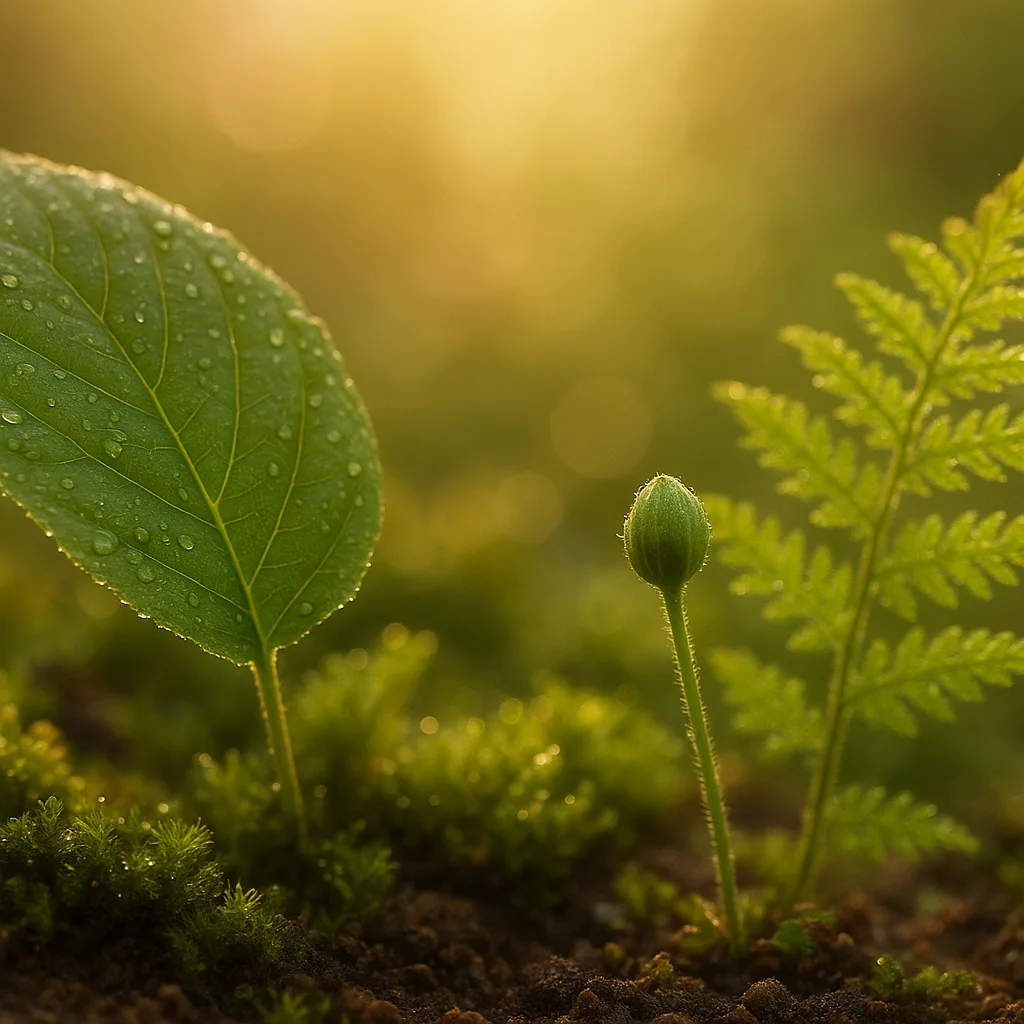
- Image capture: the app analyzes photos (leaves, flowers, stems, bark).
- Feature extraction: algorithms measure color, shape, texture, venation, and scale.
- Database matching: the extracted features are compared to millions of labeled images and taxonomic records.
- Contextual filters: location (GPS), season, and user feedback refine results.
- Output: scientific name (binomial), common names, distribution maps, and care/toxicity notes.
Why Orvik and similar apps are useful
Beyond the novelty of naming a plant, users often expect practical follow-up: how to care for the plant, whether it’s invasive, or if it's poisonous to pets and children. Orvik aims to provide that suite of answers by combining AI identification with curated plant profiles.
- Speed: Most identifications occur in under 5 seconds when lighting and photo quality are good.
- Accuracy: Top-tier apps can exceed 90% correct at genus level and 70–85% at species level, depending on photo quality and region.
- Context: GPS and seasonality reduce false positives — e.g., distinguishing spring ephemeral wildflowers vs. cultivated ornamentals.
Practical identification tips: what to photograph
Good identification begins with good photos. The AI can only work with the data you provide. Follow these field-tested tips — they mirror what botanists and apps like Orvik rely on.
Essential photos
- Leaf close-up: show the entire leaf and the petiole; include scale (coin, ruler) for size. Leaves 1–30 cm are common; note measurements.
- Leaf arrangement: take a shot of the node showing whether leaves are opposite, alternate, or whorled.
- Flower/inflorescence: capture the whole flower and a close-up of floral parts (petals, stamens, pistil).
- Fruit/seed pods: photograph size, color, and internal structure if possible.
- Whole plant and habitat: distance shot showing growth habit (tree, shrub, herbaceous, vine) and substrate (wetland, roadside, forest floor).
Visual cues that matter
- Leaf shape: ovate, lanceolate, cordate, pinnate — measurements in cm help narrow species.
- Leaf margin: serrated, entire, dentate, crenate — edge patterns are diagnostic across families like Rosaceae (serrated) vs. Ericaceae (entire).
- Venation: parallel (monocots like grasses and lilies) vs. reticulate (dicots like maples).
- Surface texture: pubescent (hairy), glabrous (smooth), scabrous (rough); hair density can indicate species (e.g., Lamb’s quarters Chenopodium album has mealy hairs).
- Flower color and symmetry: actinomorphic (radial) vs. zygomorphic (bilateral) — note measurements (corolla diameter 5–40 mm common for many wildflowers).
Habitat, distribution, and seasonal behavior
Identification is more reliable when you combine morphology with ecological data. Many species are restricted to particular habitats or regions, and seasonal growth stage dramatically alters appearance.
- Habitat: wetland plants (Typha latifolia) vs. xeric succulents (Sedum spp.) show stark differences in leaf succulence and rootstock.
- Geographic range: consult distribution maps — for example, Acer saccharum (sugar maple) is native to northeastern North America, while Quercus robur (English oak) is native to Europe.
- Seasonality: spring ephemerals (Trillium spp.) flower in March–May in temperate zones; leaves may die back by midsummer.
Diagnosing plant needs: can an app tell you what a plant needs?
Users searching for an "app that scans plants and tells you what it needs" want diagnostic help: watering, nutrients, pests, or diseases. Many apps, including Orvik, provide care recommendations by analyzing visual stress signals and combining that with species-specific needs.
For more on this topic, see our guide on Identify Plants Instantly: A Practical Guide.
Common visual stress cues
- Leaf yellowing (chlorosis): interveinal chlorosis often indicates iron deficiency or poor drainage; uniform yellowing may signal overwatering.
- Leaf spotting: necrotic spots with concentric rings often indicate fungal pathogens (Alternaria, Septoria).
- Distorted new growth: often caused by sap-sucking insects (aphids, thrips) or herbicide exposure.
- Wilting despite moist soil: suggests root rot (Phytophthora spp.) or vascular disease.
How apps translate symptoms into care steps
- Symptom recognition: AI maps symptoms to likely causes using image libraries and annotated cases.
- Species filter: the diagnosis considers species tolerance (e.g., succulents tolerate drought; ferns need consistent moisture).
- Suggested actions: watering schedule, soil pH adjustments (e.g., azaleas prefer pH 4.5–6.0), fertilization rates (N-P-K ratios like 10-10-10 for general use), or pest control options.
Note: AI diagnosis should be treated as guidance. For destructive pests or systemic infections, consult a certified plant pathologist or extension service.
Comparisons: Orvik vs other plant ID tools and lookalike species
When people search "app to tell you what a plant is," they are often comparing apps. Below are practical comparisons between Orvik and common alternatives, and botanical comparisons that users frequently ask about.
Orvik vs. iNaturalist vs. PlantNet vs. PictureThis
- Orvik: AI-first visual ID with curated care and toxicity advice; fast inference and targeted care recommendations for gardeners and naturalists.
- iNaturalist: community-driven identifications that excel for biodiversity records and rare taxa; identifications can take longer but benefit from expert verification.
- PlantNet: academic database strong in wild flora and floras of specific regions; good for researchers and conservationists.
- PictureThis: user-friendly with care tips and plant health diagnostics; sometimes overconfident in species-level calls, so verify critical IDs.
Choose based on need: Orvik if you want rapid AI IDs plus actionable care; iNaturalist for scientific records and expert community validation; PlantNet for flora-focused research.
You may also find our article on Which plant is the true money plant? helpful.
Botanical lookalikes: How to tell them apart
Many misidentifications come from lookalike species. Here are clear comparisons with visual cues.
- Poison ivy (Toxicodendron radicans) vs. Virginia creeper (Parthenocissus quinquefolia): Poison ivy has compound leaves of three leaflets with a smooth or toothed margin; Virginia creeper has five separate leaflets and a distinct tendril structure with adhesive pads.
- Queen Anne’s lace (Daucus carota) vs. Poison hemlock (Conium maculatum): Both are umbellifers, but Queen Anne’s lace has a hairy, solid stem often with a central dark floret; poison hemlock has a smooth green stem with purple blotches and emits a mouse-like odor when crushed.
- Japanese knotweed (Reynoutria japonica) vs. False buckwheat (Fallopia scandens): Knotweed has hollow bamboo-like stems and triangular leaves 5–12 cm wide; false buckwheat is more vine-like with cordate leaves and non-hollow stems.
Best field workflow for accurate results
To get the most accurate ID from an "app to find out what plant it is," follow a repeatable field workflow. This mirrors protocols used by botanists and citizen-science projects.
- Prepare: ensure GPS/location services are on and clean your camera lens.
- Photograph systematically: leaf, node, flower, fruit, entire habit, habitat backdrop.
- Note observations: height in cm or m, substrate (sandy, loam, clay), moisture (wet, mesic, dry), canopy cover.
- Upload: use Orvik or your chosen app, attach notes and location for improved context.
- Verify: cross-reference with a secondary source or community ID for unusual or critical cases.
- Tip: when photographing small plants, include a 1–2 cm scale (ruler or coin) for size accuracy.
- Tip: take photos at midday for even lighting; avoid heavy backlighting that obscures venation.
Safety, toxicity, and legal considerations
Identification has real-world consequences. Knowing a plant’s toxicity, invasiveness, or protected status is essential. Apps like Orvik include these flags in the profile, but you should also take precautions in the field.
Looking beyond this category? Check out Spotting Bed Bugs: A Clear Visual Guide.
- Poisonous plants to watch for: Nerium oleander (contains cardiac glycosides; ingestion of 1–2 leaves can be fatal to children or pets), Aconitum spp. (aconitine alkaloids are highly toxic), Digitalis purpurea (cardiac glycosides), and several Euphorbia species (latex causes skin irritation).
- Invasives and legal rules: Japanese knotweed (Fallopia japonica) and Giant hogweed (Heracleum mantegazzianum) are regulated in many regions — removal and disposal must follow local guidelines.
- Handling: wear gloves when handling unknown plants, wash hands afterward, and never taste wild plants to identify them.
Apps provide warnings, but when a plant is flagged as toxic or invasive, consult local extension offices or poison control centers for next steps.
Related reading: Mastering Plant ID with Plantsnap.
Regional tips and examples
Geography strongly narrows possible species. Orvik and other apps use GPS to weight candidate species by likelihood, improving identification.
- Temperate North America: A hardwood forest understory in spring likely contains Trillium species (e.g., Trillium grandiflorum, trinomial petals 4–8 cm wide) and spring ephemerals like Claytonia virginica.
- Mediterranean climates: Look for sclerophyllous shrubs (e.g., Quercus coccifera, evergreen oaks) and succulents like Sedum album in disturbed sites.
- Tropical regions: High species richness requires more images (multiple reproductive parts) and often community verification via platforms like iNaturalist.
Seasonal notes: in many temperate regions, reproductive features (flowers, fruits) appear only for a narrow window — typically 4–8 weeks in spring or early summer — so photos taken in those windows are most diagnostic.
Conclusion
People searching for an "app that tells you what plant it is" want rapid, accurate identification plus practical next steps. By combining good field practice (systematic photos and habitat notes) with AI tools like Orvik, you can identify species, understand their needs, and spot hazards quickly. Remember to verify critical IDs, especially for toxic or invasive plants, and use app recommendations as guidance alongside local expertise.
Frequently Asked Questions
- How accurate is an app in identifying plants?
- Accuracy depends on photo quality, the plant’s reproductive stage, and the app’s database. Top apps often exceed 90% genus-level accuracy and 70–85% species-level accuracy with good photos.
- Can an app tell me what a plant needs?
- Yes—many apps, including Orvik, analyze visual stress cues and species requirements to suggest watering, nutrient, or pest-control steps, but serious problems should be confirmed by a professional.
- Are app IDs reliable for edible plants?
- No—do not eat wild plants based only on an app identification. Always cross-check multiple reliable sources and consult local experts before consuming wild plants.
- What should I photograph to get the best ID?
- Photograph a close-up of a full leaf with petiole, the node showing leaf arrangement, flower/reproductive parts, fruit, entire plant habit, and the surrounding habitat; include a scale if possible.
- Can apps identify invasive species or toxic plants?
- Yes—leading apps flag invasives and toxic species and often provide safety notes and links to local regulations; still verify critical identifications with local authorities.
- How is Orvik different from other plant ID apps?
- Orvik focuses on AI-powered visual identification combined with curated care, toxicity, and habitat information, giving fast, actionable results for gardeners and naturalists.
- Will an app diagnose plant diseases accurately?
- Apps can identify common symptoms like fungal leaf spots or nutrient deficiencies and suggest likely causes, but definitive disease diagnosis sometimes requires lab tests or expert examination.