
If you type "app to identify plants and trees" into a search engine you want one thing: a reliable, fast way to know what a leaf, flower or trunk belongs to. This guide explains how plant and tree recognition apps work, what features matter, how to take great ID photos, and practical field tips for users from casual walkers to naturalists. I draw on botany practice — including species names, measurements, habitats and seasonal behavior — so you can make confident IDs in the field. Orvik, an AI-powered visual identification app, is one useful tool among many and will be referenced for its strengths in accuracy and ease of use.
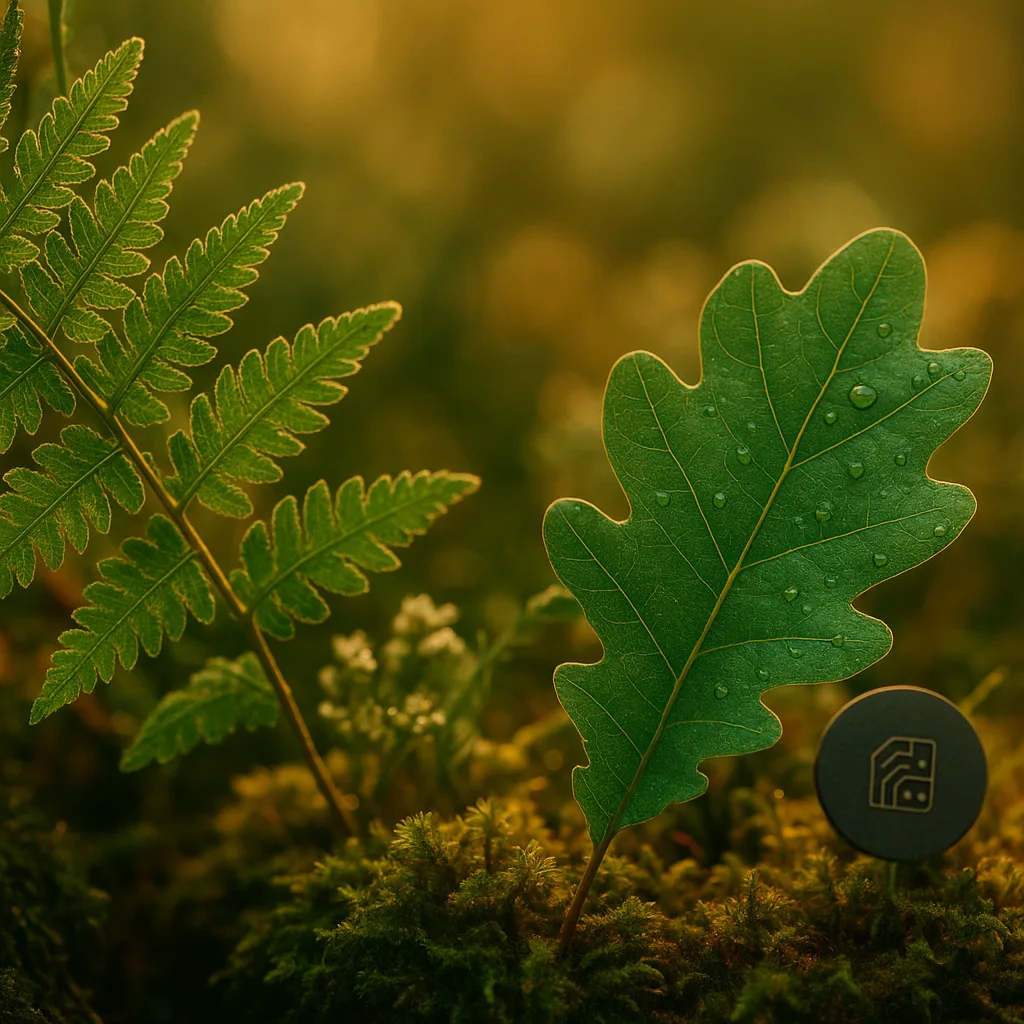
How Plant and Tree Identification Apps Work
Modern apps that identify plants and trees combine computer vision, machine learning models and reference databases. Knowing the components helps you evaluate an app's reliability.
Core components
- Image recognition models: Convolutional neural networks (CNNs) or transformer-based vision models trained on millions of labeled images.
- Reference taxonomy: Botanical databases that link common names to scientific names (genus and species, e.g., Quercus rubra for northern red oak).
- Metadata: GPS, time of year, and user-provided clues that refine suggestions by region and season.
- Human curation and community validation: Expert or crowd-sourced confirmations to improve accuracy over time.
What affects accuracy
- Image quality: Focus, lighting and scale directly impact model confidence.
- Plant part shown: Leaves, flowers and fruit are most diagnostic; bark and roots are harder to identify reliably.
- Regional coverage: Some apps perform better in Europe, North America or tropical regions due to dataset biases.
- Seasonality: Apps that incorporate phenology (flowering times, leaf-out) reduce false positives.
What People Really Want from an App to Identify Plants and Trees
When users search for "app to identify trees and plants" they typically expect speed, accuracy, usability and safety information. Here is what satisfies that intent:
- Fast, near-instant identification with confidence scores (e.g., 92% confident).
- Scientific names plus common names and family.
- Photographic keys and pinpointed ID features (leaf shape, venation, flower color).
- Habitat, native range and seasonality notes.
- Safety/toxicity warnings for poisonous species.
- Offline mode and data privacy options.
Apps like Orvik combine rapid AI-based suggestions with reference data and community verification, making them useful for both novices and field ecologists.
Practical Photo Tips: How to Get a Good ID
Even the best plant recognition app struggles with blurry or ambiguous images. Follow these field-tested tips to improve results.
For more on this topic, see our guide on Identify Plants Fast: In-Depth PlantSnap Review.
What to photograph
- Leaves: Shoot one full leaf and a close-up of the petiole and venation. Include scale (a coin or ruler). Typical leaf length: report in mm or cm when possible.
- Flowers: Capture the whole inflorescence and a tight shot showing petals, stamens and pistil. Note color and size (e.g., 5–8 mm petals).
- Fruit/Seeds: Photograph mature fruit; note color, texture (fleshy, woody), and size in mm or cm.
- Bark and growth form: For trees, include a trunk shot and the tree’s silhouette; measure DBH (diameter at breast height) when relevant.
- Habitat shot: Photograph the plant in context (woodland edge, roadside, pond margin) to assist ecological filtering.
Technical tips
- Lighting: Use diffused light. Avoid harsh midday sun that creates overexposed areas. Dawn and dusk light is ideal.
- Focus and depth of field: Tap to focus on smartphone; for small features use macro mode. Maintain 1–3 cm distance for small flowers.
- Scale and orientation: Include a ruler or coin; photograph leaf's upper and lower surfaces where possible.
- Multiple angles: Take at least 3 images — full habit, leaf close-up, flower or fruit close-up.
Top Features to Look for in a Plant and Tree Recognition App
Not all apps are created equal. If you're searching for "app for identifying trees and plants" look for these features:
Essential features
- Scientific name and taxonomic hierarchy (family, genus, species).
- Confidence score and alternative suggestions with likelihood percentages.
- Offline identification mode with downloadable regional packs.
- User feedback and expert verification workflows.
- Field guides, distribution maps and phenology data.
Nice-to-have features
- Batch identification for multiple photos at once.
- Integration with citizen science platforms (iNaturalist, GBIF).
- Augmented reality overlays showing leaf/flower structure.
- Safety alerts for toxic or allergenic species.
Orvik offers many of these features, including fast identification and regional filtering, which helps reduce false positives in areas with similar-looking species.
Free Apps vs Paid: Which Should You Choose?
Users searching for a "free app to identify trees and plants" want value without a subscription. Free apps vary in capability; paid tiers usually unlock expert verification, offline maps and higher model priority. Consider the following trade-offs.
Pros and cons
- Free: Quick access, useful for casual users and beginners. Often supported by ads or limited daily identifications.
- Paid/subscription: Better accuracy, higher-resolution images processed, offline packs and priority support. Ideal for professionals and educators.
How to evaluate
- Test with a set of known specimens: Use 20 local species you can identify independently and compare app IDs and confidence scores.
- Check regional coverage: Does the app have many local records in your state or country? This improves suggestions.
- Privacy and data use: Are images stored in the cloud? Can you opt out of dataset contributions?
Orvik provides a generous free tier for casual use and clear data controls, while offering paid features for power users who need offline access and bulk-identification.
You may also find our article on Identify Plants & Trees in the Field helpful.
X vs Y: How to Tell Common Lookalikes Apart
Some species are frequently confused. Learning a few key visual cues (leaf arrangement, venation, fruit type) makes identification faster and more reliable.
Oak vs Maple (Quercus spp. vs Acer spp.)
- Leaf lobes: Oaks (Quercus) typically have rounded or pointed lobes with bristle tips (red oak group) and pinnate venation; maples (Acer) have palmate lobes radiating from a central point.
- Bark: Mature oaks often have deep ridged bark; maples have smoother or shallowly furrowed bark.
- Fruit: Acorns (oaks) versus samaras (winged seeds) in maples.
Poison ivy vs Harmless vine (Toxicodendron radicans vs Parthenocissus quinquefolia)
- Leaflet count: Poison ivy often has three leaflets “leaves of three, let it be”; Virginia creeper has five leaflets.
- Leaf margin: Poison ivy leaflets can be smooth or toothed; Virginia creeper leaflets are more serrated and symmetrical.
- Attachment: Poison ivy may have hairy aerial roots; Virginia creeper has sticky pads that attach to surfaces.
White Pine vs Eastern Hemlock (Pinus strobus vs Tsuga canadensis)
- Needles per fascicle: White pine has five needles per bundle, each 7–13 cm long; eastern hemlock needles are single, 8–12 mm long, flat and attached individually.
- Cones: White pine cones are 8–20 cm long; hemlock cones are smaller, 1–2 cm.
When using an app that identifies plants and trees, cross-check these morphological cues in your photos and notes to reduce misidentifications.
Common Species Identification: Field Examples with Visual Cues
Below are several common species with precise visual clues, habitat notes and safety warnings. Use them as templates when photographing and verifying IDs.
You might also be interested in Mastering Visual ID: Your Photo Identifier Guide.
Northern Red Oak (Quercus rubra)
- Leaves: 14–24 cm long, 7–11 lobes with pointed bristle tips, glossy dark green above, paler beneath.
- Bark: Young trees smooth; mature trees develop wide ridges and flat-topped scaly plates.
- Habitat: Prefers well-drained upland soils across eastern North America (Quebec to Georgia).
- Seasonality: Leaf-out in April–May; acorns mature in fall (8–12 mm wide cup).
Common Milkweed (Asclepias syriaca) — caution
- Leaves: Opposite, simple, 7–18 cm long; silky hairs on undersurface.
- Flowers: Umbels of pink to mauve, fragrant; corolla 8–12 mm.
- Habitat: Disturbed fields, roadsides across much of North America.
- Toxicity: Contains cardiac glycosides; toxic to livestock and humans if ingested. Handle with gloves if sensitive to milky sap.
Giant Hogweed (Heracleum mantegazzianum) — caution
- Size: Can reach 2–5 m tall. Hollow stems 5–10 cm diameter with purple blotches.
- Flowers: Large compound umbels up to 80 cm in diameter of white flowers.
- Habitat: Riverbanks, disturbed ground; invasive in temperate regions.
- Safety: Phototoxic sap causes severe burns and blistering in sunlight. Avoid contact; report to local invasive species authorities.
Safety, Legal and Ethical Considerations
Identifying plants and trees is rewarding, but there are risks and responsibilities.
Related reading: Identify Plants Fast: Expert Guide to Free Apps.
Safety and toxicity
- Always verify edibility from multiple references before consuming; many edible lookalikes have toxic counterparts (e.g., edible Allium species vs poisonous false hellebore).
- Some plants cause contact dermatitis (poison ivy, giant hogweed); wear gloves and wash skin after handling unknown plants.
- Children and pets: Keep them away from suspected toxic plants; apps can provide immediate warnings when species are recognized.
Legal and ethical: Foragers and photographers
- Do not remove or damage protected species; many trees and orchids are legally protected in certain regions.
- Respect private property and conservation rules in parks and reserves.
- When sharing photos, consider geoprivacy: some rare plant locations should remain confidential to prevent poaching.
Orvik and other apps often include flags for protected or invasive species and options to hide precise coordinates when contributing to public datasets.
Advanced Tips: Using Apps for Science and Learning
Beyond identification, apps can be tools for learning, monitoring phenology, and contributing to science.
Citizen science and monitoring
- Join projects: Upload verified observations to iNaturalist or GBIF to contribute to biodiversity records.
- Phenology tracking: Record flowering and fruiting dates to monitor climate-driven shifts (note exact date and location).
- Population surveys: Use batch upload features to document invasive species spread or rare plant populations.
Integrating with fieldwork
- Pre-load offline regional packs before field trips to preserve battery life and ensure IDs without cellular service.
- Use Orvik or similar apps to generate initial candidate lists, then confirm with keys from regional floras (e.g., Flora of North America, Flora Europaea).
- Record measurements: leaf length, petiole length, DBH in cm, and GPS coordinates for robust records.
Conclusion
An app to identify plants and trees can change how you experience the outdoors: turning curiosity into knowledge, and observations into data. Look for apps with solid machine learning, rich reference data, and practical features like offline mode, safety warnings and community verification. Use good photo technique — multiple angles, scale, and clear images — to improve accuracy. Tools such as Orvik make identification faster, but always corroborate AI suggestions with morphological cues and habitat context for reliable results. With practice and the right app, you can confidently identify common species, avoid hazards and contribute meaningfully to biodiversity science.
Frequently Asked Questions
- Which is the best app to identify plants and trees?
- The best app depends on needs and region. Try several (including Orvik) and evaluate their accuracy on 20 known local species. Look for scientific names, confidence scores, and offline packs.
- Are plant ID apps accurate?
- Many are 80–95% accurate for clear photos of diagnostic organs (leaves, flowers). Accuracy falls with poor images, juvenile plants, or underrepresented regions.
- Can apps identify poisonous plants reliably?
- Apps can flag common toxic species but should not replace expert verification. For safety-critical situations, consult authoritative guides or professionals.
- Do plant identification apps work offline?
- Some do. Choose apps that offer downloadable regional packs for offline identification and reduced data usage.
- How should I photograph plants for the best ID?
- Take multiple photos: whole plant, leaf close-up (both surfaces if possible), flower/fruit close-up, and a habitat shot. Include a scale (ruler or coin) and note measurements.
- Is a free app enough for casual users?
- Yes. Free apps often provide accurate identifications for common species. Paid plans add features like offline access, higher processing priority, and expert verification.
- Can I contribute my observations to science?
- Yes. Many apps integrate with citizen science platforms like iNaturalist and GBIF, letting you submit observations that support biodiversity research.