
When you spot an unfamiliar bloom on a woodland walk, in a meadow, or at the edge of a city park, you want a quick, reliable name — not hours of searching. A good flower identification app turns a photograph into a confident ID in seconds, with visual cues, habitat context, and safety notes. This guide explains how these apps work, how to take perfect photos for identification, what plant features matter most, and how to interpret results. I’ll reference Orvik as an example of an AI-powered visual ID tool and explain practical tips for accurate identifications in the field.
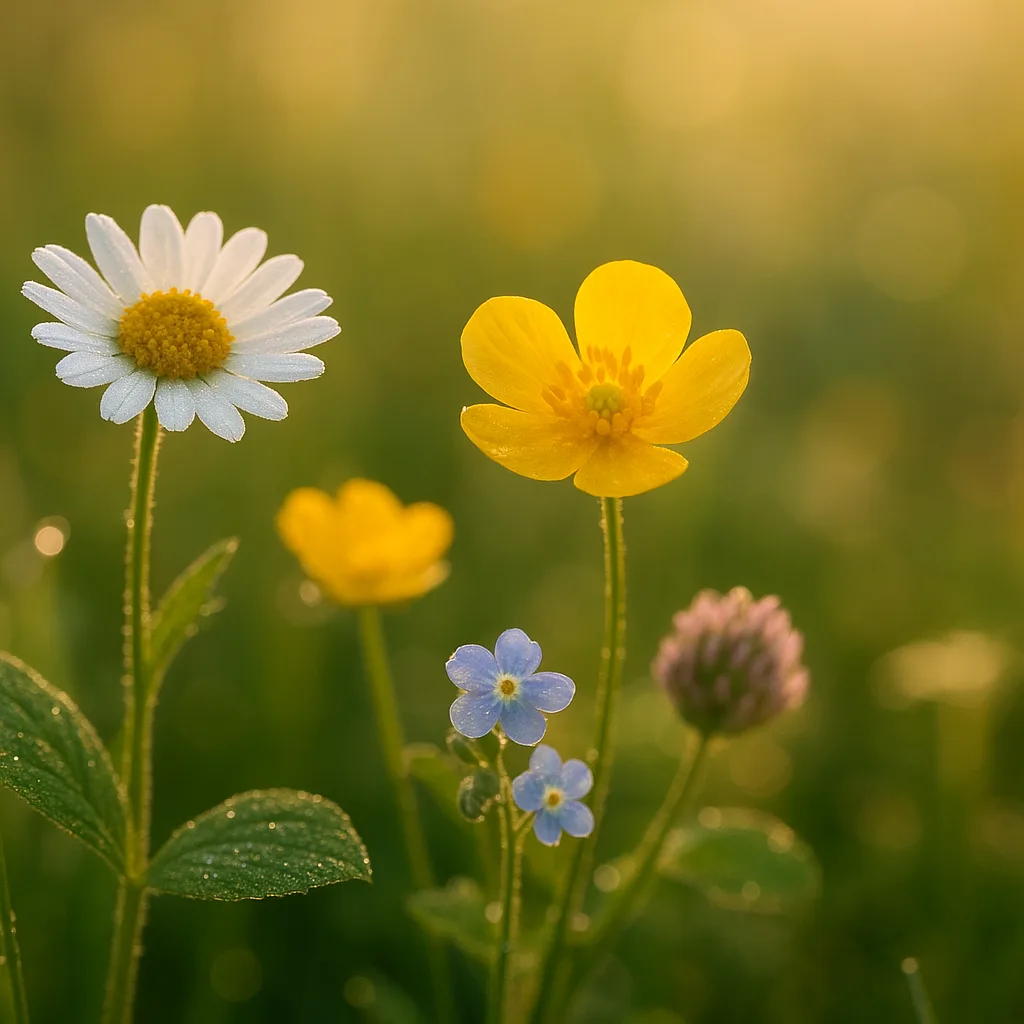
How flower identification apps work
Most modern flower ID apps rely on computer vision and machine learning models trained on millions of labeled images. The workflow typically looks like this:
- Image capture: You take one or several photos of the plant.
- Preprocessing: The app crops, normalizes color, and enhances contrast to highlight flower structures.
- Feature extraction: Algorithms detect petals, sepals, leaf venation, growth habit, and scale (size markers when available).
- Classification: A neural network compares extracted features to its database and returns a ranked list of likely species, often with confidence scores.
Key technical notes:
- State-of-the-art apps use convolutional neural networks (CNNs) with transfer learning from large image sets such as ImageNet.
- Accuracy improves with multiple photos showing different plant parts; some systems accept 3–5 images for higher confidence.
- Contextual data like GPS coordinates and date help narrow down possible species because many plants have limited geographic ranges or defined flowering seasons.
What to expect from results
- Top suggestions with confidence percentages (e.g., 87% Leucanthemum vulgare).
- Alternate matches showing similar species and distinguishing features.
- Links to reference pages with scientific names, family, and common names.
Orvik, for example, pairs image recognition with habitat data to reduce false positives in regions with similar-looking flora.
How to photograph plants for best identifications
Getting the right shots is the single biggest factor in accuracy. Follow these practical, field-tested tips geared to both beginners and experienced botanists.
- Take multiple angles: a frontal view of the flower, a side profile (to show shape and throat), a close-up of the leaf, and one showing the whole plant habit.
- Include scale: put a coin (24 mm US quarter), ruler, or a finger near the flower so the app can estimate size; many species are distinguished by diameter differences in the range of 5–25 mm.
- Focus on diagnostic parts: petals (or tepals), calyx, stamens, pistil, leaf arrangement (alternate vs opposite), leaf margin (entire vs serrate), and the stem surface (hairy, glabrous, ridged).
- Avoid backlighting: bright sky behind the flower can wash out color and texture. Diffused light (overcast day) is ideal.
- Use macro mode for small flowers under 10 mm (e.g., many Saxifraga spp. or Veronica spp.).
Visual cues to prioritize
When you analyze images (or interpret app feedback), prioritize these measurable visual cues:
For more on this topic, see our guide on Identify Plants Fast: Field-Proven Photo ID Guide.
- Color — hue and pattern (e.g., white with yellow disc, purple with darker veins).
- Petal number and shape — single petals vs fused corolla, lobed margins, spurred petals.
- Flower size — diameter in mm or cm (e.g., Taraxacum officinale 20–50 mm; Leucanthemum vulgare 20–40 mm).
- Leaf type — simple vs compound, length in cm, margin, base (truncate, cordate), and surface texture (glossy, hairy).
- Inflorescence structure — solitary, raceme, panicle, umbel, capitulum (head like a daisy).
Key plant examples and identifying features
Below are common species that people often try to identify, with exact visual clues, measurements, and habitat notes to help confirm an app result.
1. Dandelion — Taraxacum officinale
- Flower head: 20–50 mm diameter, bright yellow, composed of many ligulate florets.
- Leaves: basal rosette, deeply lobed, 5–25 cm long, hairless, milk sap present when broken.
- Habitat: disturbed soils, lawns, roadsides across temperate North America and Europe.
- Season: blooms spring through autumn in mild climates.
2. Oxeye daisy — Leucanthemum vulgare
- Flower head: 20–40 mm across; white ray florets around a yellow disc (composite head).
- Leaves: lower leaves toothed; upper leaves lanceolate and sessile.
- Habitat: meadows, roadside verges; widespread in Europe and North America as an introduced plant.
3. Poison hemlock — Conium maculatum (toxic)
- Flower: small white umbels, 2–3 mm per flower; umbrella-like clusters up to 30 cm across.
- Stem: smooth, hollow, often with purple blotches; height 1.5–3 m.
- Toxicity: contains coniine; ingestion is potentially fatal. Do not handle or ingest; avoid inhaling pollen if sensitive.
- Habitat: fields, ditch banks, disturbed ground across temperate regions.
4. Trillium — Trillium grandiflorum (spring ephemeral)
- Flower: solitary, 3–5 cm across, three petals usually white or pinking with age.
- Leaves: whorl of three broad leaves 6–12 cm long; plant height 15–30 cm.
- Habitat: rich, deciduous woodlands in eastern North America; blooms April–May.
These examples illustrate the type of descriptive metadata a quality app should present alongside an ID. Orvik and similar apps will often offer follow-up suggestions to photograph the leaf, fruit, or seed to raise confidence if initial matches are low.
Common identification challenges and how to overcome them
Not all plants cooperate. Here are frequent problems and practical solutions.
- Partially open or spent flowers: If a flower is closed or past peak, take a photo of buds and seedheads; phenology matters. Many apps allow you to annotate growth stage.
- Similar species or hybrids: capture leaf venation, underside of petals, and bract details; these micro-features often separate close relatives.
- Small or clustered flowers: use macro shots and include a ruler; many ID errors come from scale ambiguity.
- Poor lighting or motion blur: stabilize the camera, use burst mode, or take photos at dawn/dusk for even light.
X vs Y: How to Tell Close Lookalikes Apart
Comparison examples show the kind of nuance apps must detect.
You may also find our article on Identify Trees from Photos: Expert Guide helpful.
- Oxeye daisy (Leucanthemum vulgare) vs Shasta daisy (Leucanthemum × superbum): Shasta has larger heads (40–80 mm), stiffer petals, and more robust plants; Oxeye is 20–40 mm and tends to have narrower petals.
- Bluebell (Hyacinthoides non-scripta) vs Grape hyacinth (Muscari armeniacum): Bluebells have pendulous bell-shaped corollas 15–30 mm long and a drooping raceme; grape hyacinth has many small urn-shaped flowers 5–8 mm long and a denser cluster.
Choosing the right flower identifier app: features to compare
When searching “flower id app” or “flower identifier app free,” users balance cost, accuracy, and features. Here’s what matters.
- Accuracy and training data: Look for apps trained on millions of images and regional datasets to reduce misidentification. Regional models matter; a model trained in Europe will perform differently in Southeast Asia.
- Multi-image support: Apps that accept 3–5 images per observation give better results.
- Offline capability: Useful for remote hikes without cellular service.
- Metadata capture: GPS, date, and habitat notes (wetland vs dry meadow) are essential for ecological accuracy.
- Community verification: Some apps add human expert verification on top of AI predictions for a higher level of confidence.
- Privacy and data policies: Check how photos and location data are stored and shared.
Free apps often provide basic AI IDs; premium subscriptions usually unlock features like higher-resolution analysis, batch uploads, and expert verification. Orvik, for example, offers a robust free tier for casual users and advanced options for power users who want deeper habitat analytics and batch processing.
Practical field workflow: from photo to confident ID
Turn your walk into reliable data with a repeatable workflow that improves your accuracy:
You might also be interested in How to Identify Any Rock in the Field.
- Observe: Note habitat and approximate size; is the plant solitary or in clusters?
- Photograph: Shoot 3–5 images — whole-plant, flower close-up, leaf, and stem.
- Record: Add GPS and date; add notes about scent, sap, or nearby companion plants.
- Run ID: Upload to your chosen app (e.g., Orvik) and review top suggestions and confidence levels.
- Verify: Cross-check with a field guide or community verification if the plant is rare or toxic.
- Tip: For rare or protected species, avoid uprooting or collecting. Use photos and notes for documentation instead.
Safety, toxicity, and ethical considerations
Identification isn’t just academic — it can be a safety issue. Knowing which plants are poisonous, allergenic, or protected helps keep you and ecosystems safe.
- Common toxic plants: Digitalis purpurea (foxglove) contains cardiac glycosides; Nerium oleander is highly toxic (cardiac glycosides); Conium maculatum (poison hemlock) contains alkaloids that can be lethal.
- Handling advice: Wear gloves when sampling unknown plants if there’s risk of skin irritation (e.g., certain Euphorbia spp.). Wash hands after handling and never taste unknown plants.
- Allergy caution: Pollen-heavy species like Ambrosia artemisiifolia (common ragweed) can trigger hay fever; avoid prolonged exposure if sensitive.
- Legal protections: Many orchids, trilliums, and rare endemics are legally protected; photographing is fine, but digging or collecting may be illegal and harmful.
Apps can help identify toxic plants and flag them. Orvik, for example, displays toxicity notes when it recognizes species with known risks and suggests safety steps.
Related reading: ID Trees from Photos: Expert Guide.
Flower identifier app free options vs paid: what you get
There’s no single best choice for everyone. Here’s a quick breakdown of what free and paid tiers generally offer so you can match the app to your needs.
- Free tier: Basic AI IDs, limited daily searches, community forums, low-resolution results.
- Paid subscription: Unlimited identifications, higher-resolution AI analysis, multi-image support, offline maps, and expert verification.
- Enterprise or researcher plans: Batch processing of thousands of images, CSV export, advanced habitat analytics.
If you’re a casual user who wants quick answers on hikes, a free app is often enough. If you’re doing citizen science, ecological surveys, or need high-stakes accuracy (for invasive species control or medicinal plant work), invest in a paid plan or apps that include expert verification. Orvik aims to bridge casual and professional use by offering strong free identification capabilities with optional paid features for power users.
FAQ
- How accurate are flower ID apps? Accuracy varies by species and image quality. For common garden plants, top apps can exceed 90% accuracy with good photos; for rare or closely related species, accuracy may drop and human verification helps.
- Can an app identify every flower from a single photo? Not reliably. Single photos work well for distinctive species but multiple angles and leaf/stem shots are best for high-confidence IDs.
- Are flower ID apps free? Many offer free basic identification. Premium features like batch uploads, offline use, or expert verification typically require a subscription.
- Should I trust an app for poisonous plant warnings? Use app warnings as a first alert, but always cross-check with authoritative resources or experts for medical or legal decisions.
- Do apps work offline? Some do. Offline models are smaller and less accurate in complex regions; if you’ll be in remote areas, choose an app with an offline database feature.
- How can I improve app identifications? Take clear photos showing scale, leaf, stem, and multiple angles; add location and date; avoid backlighting and blurred images.
Conclusion
When someone searches for a "flower identification app," they want fast, reliable answers plus the context that makes those answers useful — habitat, season, and safety. The best apps combine strong AI, quality photographic inputs, and regional data. Use multiple images, include scale, and leverage location and date to increase accuracy. For casual users, free tiers of modern apps often suffice; for serious study, choose tools with expert verification and advanced features. Orvik is one such AI-powered tool that balances ease of use with scientific rigor, making it a helpful companion on both short walks and extended field surveys. With the right technique and tools, you can turn a curious photo into confident knowledge about the plants that surround you.
Frequently Asked Questions
- How accurate are flower identification apps?
- Accuracy depends on photo quality, species distinctiveness, and regional training data. For common garden species with multiple clear photos, top apps often exceed 85–90% accuracy; for rare or closely related species, accuracy can be lower and expert verification is recommended.
- Can a flower ID app tell if a plant is poisonous?
- Many apps flag known toxic species and provide safety notes, but app warnings should be treated as preliminary. For medical or ingestion concerns, consult a medical professional or poison control center.
- What photos should I take to get the best ID?
- Take 3–5 images: whole plant habit, frontal flower, side profile, close-up of leaf, and a photo showing scale (coin or ruler). Good lighting and focus matter more than resolution.
- Are free flower identifier apps good enough?
- Free apps are often fine for casual use and common species. Paid plans add features like batch processing, offline databases, higher-resolution analysis, and expert verification useful for research and conservation work.
- How do apps handle regional differences in species?
- The best apps use regional datasets or factor in GPS coordinates and date to narrow results. Models trained on local flora perform better than global-only models for region-specific species.
- Can I use identification apps for citizen science?
- Yes. Many apps support data export, mapping, and integration with citizen science platforms. For scientific surveys, use apps that offer expert review, metadata export, and batch upload features.
- What should I avoid when using a flower ID app?
- Avoid relying on a single blurry or backlit photo, collecting protected plants, or ingesting plants based solely on an app ID. Always cross-check critical IDs with field guides or experts.