
Why use a plant and flower identification app?
When you search for a "free app to identify plants and flowers," you’re usually after three things: fast identification, reliable information, and safety guidance. In the field—whether on a city sidewalk, in a backyard, or along a trail—traditional field guides are helpful but bulky. Modern AI-powered apps compress decades of botany, herbarium records, and crowd-sourced observations into a pocket tool that can recognize thousands of species from a photo in seconds.
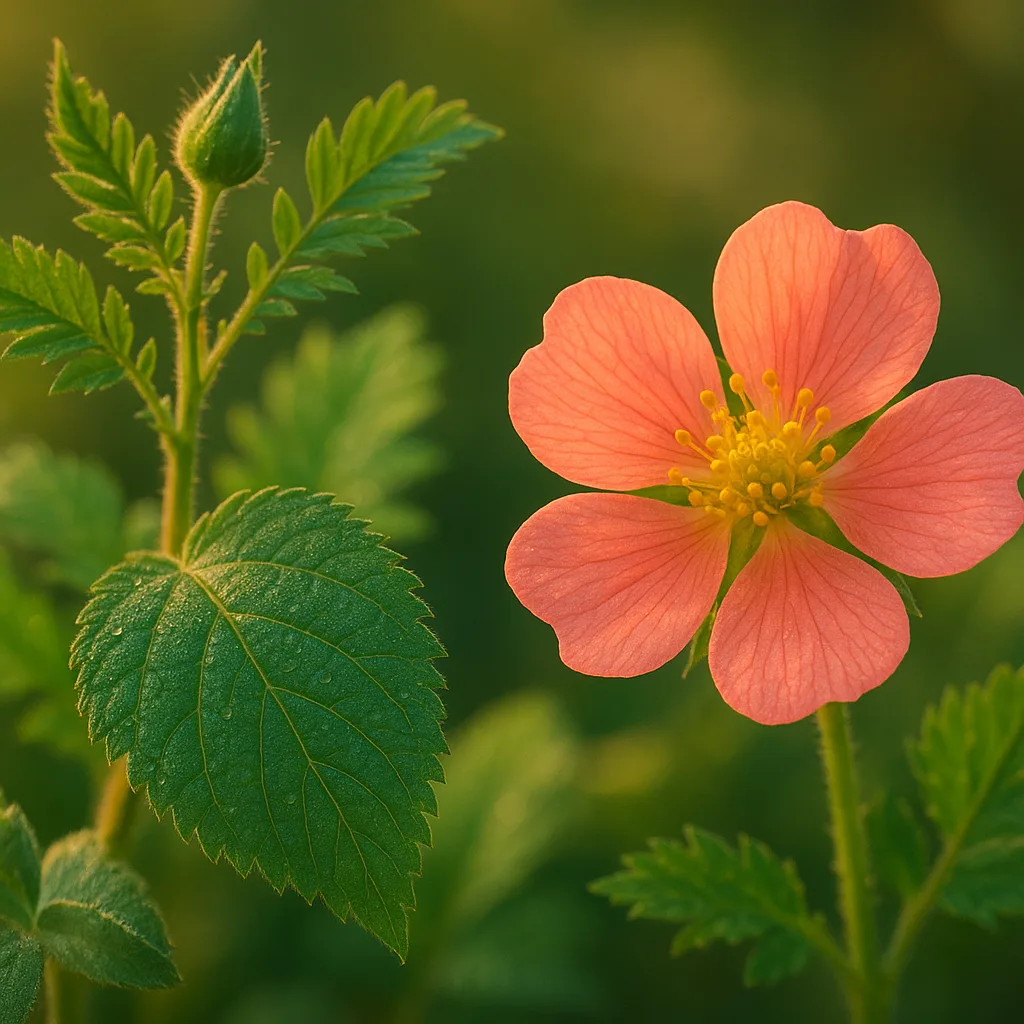
Common motivations for people who search this query
- Curiosity: What is that flower or tree I just saw?
- Safety: Is this plant poisonous or allergenic?
- Gardening: Can I grow it, and how should I care for it?
- Conservation: Is it native, invasive, or rare?
How AI plant identification works (in plain language)
Most current apps use convolutional neural networks (CNNs) trained on millions of labeled images. They learn visual patterns—leaf venation, petal count, leaf margin, growth habit—and compare those patterns to their database. Good apps combine image recognition with metadata such as GPS, season, and user-submitted confirmations to improve accuracy.
Key technical components
- Image preprocessing: removing noise, normalizing scale and color.
- Feature extraction: detecting shape, texture, color histograms.
- Classification: matching features to species-level labels (e.g., Taraxacum officinale vs a similar dandelion species).
- Contextual filtering: using location (latitude/longitude), elevation and time of year to limit plausible species.
Best free apps to identify plants and flowers — quick comparison
No single app is perfect for every user. Below are widely used free apps, their strengths, and what to expect. Orvik is included as a modern AI option with emphasis on fast visual ID and privacy-conscious features.
For more on this topic, see our guide on Identify Plants Fast: In-Depth PlantSnap Review.
Top free options
- Orvik — AI-first visual ID with fast on-device image analysis, clear confidence scores, and privacy options. Useful for gardeners and hikers who want quick, reliable suggestions and references to scientific names.
- PlantNet — excellent for wild plants and flora across Europe, Africa and South America; crowd-sourced confirmations boost accuracy for regional species.
- iNaturalist — community-driven, excellent for rare species and detailed records; observations are verified by experts and integrated with biodiversity databases.
- Google Lens — versatile general visual search; good for quick IDs but less specialized botanical detail or community validation.
- Seek (by iNaturalist) — gamified, family-friendly; great for beginners and educational use, with species badges and seasonal prompts.
What to expect from a free app
- Free identification for thousands of common species; premium tiers often unlock unlimited IDs, detailed care guides, or advanced features.
- Accuracy varies by region and plant type—woody trees and distinctive flowers are easier to ID than grasses and sedges.
- Best apps provide the scientific name (genus + species), confidence score (e.g., 85%), and supplementary info like native range and toxicity.
How to get the most accurate ID: field-tested photo tips
AI is only as good as the photo it sees. Use the following practical techniques—these are the same methods professionals use when documenting plants for herbaria and research.
Three essential shots to take
- Wide shot: whole plant in its habitat to show growth habit (tree, shrub, herb, vine) and approximate size. Include a familiar object (coin or hand) for scale; estimate heights in meters or feet if no object is available.
- Leaf close-up: capture leaf arrangement (alternate, opposite, whorled), shape (ovate, lanceolate, cordate), margin (entire, serrate), and underside if possible.
- Flower/fruit close-up: show petal number, symmetry (radial vs bilateral), color, size (measure petals in mm/cm), and reproductive parts (stamens, pistils). If fruit present, photograph color and size.
Photography best practices
- Lighting: use diffuse light. Avoid harsh midday sun; overcast days give best color fidelity.
- Focus: ensure edges and veins are sharp—tap to focus on smartphone cameras.
- Background: simple backgrounds increase recognition—hold a leaf against sky or plain surface if safe to detatch.
- Multiple angles: top, side, and underside for leaves and flowers; bark shots (close-up) for trees.
- Include season info: date and location data improve model filtering—enable GPS only if you’re comfortable sharing location.
Field identification tips: visual cues that matter
Understanding what the AI looks for helps you take better photos and interpret results. Below are practical visual cues with examples and measurements you can use right away.
You may also find our article on Identify Plants Fast: Expert Guide to Free Apps helpful.
Leaf cues
- Arrangement: opposite leaves (e.g., Acer maples) vs alternate (e.g., Quercus oaks).
- Shape and size: ovate (egg-shaped) leaves 4–12 cm long are common on many shrubs; lanceolate leaves 10–20 cm long often indicate willow relatives.
- Venation: pinnate (one central midrib with lateral veins) vs palmate (several main veins radiating from a petiole base, as in Acer).
- Margin: toothed (serrated), lobed (oak-style), or entire (smooth). Count lobes or teeth per 1 cm for more precise notes.
Flower cues
- Symmetry: radial (actinomorphic) like daisies vs bilateral (zygomorphic) like orchids and peas.
- Petal count: 4 or 5 petals is common in many families; irregular counts suggest specific families (e.g., 6 in monocots like lilies).
- Inflorescence type: solitary flower, spike, raceme, umbel (as in Apiaceae like carrots), or panicle—note how flowers are arranged on the stem.
- Color and patterns: nectar guides, spots or stripes often indicate pollination syndrome (bee, butterfly, bird).
Other useful clues
- Bark texture and lenticels for trees (smooth vs fissured, peeling vs flaky).
- Smell and exudates: crushed leaf scent (citral lemon, resinous pine) or white latex (as in Euphorbia and some milkweeds).
- Habitat: wetlands, dry slopes, calcareous soils—many species have strict habitat preferences.
Orvik vs other apps: accuracy, privacy, and usability
When choosing a "flower app to identify plants," evaluate four dimensions: identification accuracy, regional coverage, privacy, and ease-of-use. Below is a comparison framework and specific differences for Orvik and alternatives.
Comparison checklist
- Accuracy: success rate for common species in your region (ask for regional accuracy stats; many apps quote 80–95% at genus level).
- Verification: does the app allow expert/community validation?
- Privacy: on-device processing vs cloud uploads; ability to disable location sharing.
- Offline use: does the app offer offline recognition or field guides?
- Extras: care guides, invasive species reporting, seasonal alerts.
How Orvik stands out
- Fast on-device AI that returns IDs without mandatory uploads, improving privacy and speed in remote areas.
- Clear confidence scores and suggested distinguishing features used by the model (e.g., petal count, leaf shape), helping users verify results.
- Good balance of free functionality with optional premium tools; many users find Orvik’s free tier covers everyday needs.
How alternatives differ
- iNaturalist prioritizes community verification and long-term biodiversity records; it’s stronger for rare species and scientific validation.
- PlantNet is excellent in some continents because of its regional image datasets; its accuracy spikes in Europe, Africa and parts of Latin America.
- Google Lens is highly convenient for mixed visual searches but sometimes returns broad or incorrect botanical matches because it’s not specialized for plants.
Safety, toxicity, and ethical considerations
Identification is not just academic—mistakes can be harmful. If you need to know whether a plant is edible, medicinal, or poisonous, treat app results as a first step, not definitive medical advice.
Looking beyond this category? Check out Identify a Dog Breed Fast and Accurately.
Related reading: Identify Plants Fast: Expert Guide to Flora Apps.
Key safety rules
- Never ingest a wild plant based only on an app ID. Many edible-looking species have poisonous look-alikes; accuracy declines for non-flowering specimens and immature stages.
- Watch for commonly toxic species: Nerium oleander (oleander) contains cardiac glycosides; Digitalis purpurea (foxglove) contains digoxin-like compounds; Toxicodendron radicans (poison ivy) causes contact dermatitis via urushiol oil.
- Pregnant or nursing people should avoid using wild plants for remedies without professional guidance.
- Report invasive species (e.g., Fallopia japonica, Japanese knotweed) to local authorities if your app supports geotagged reporting.
Toxicity visual cues to watch for
- Milky sap: many euphorbias and milkweeds exude latex—skin irritation or more serious effects are possible.
- Bright berries: red or white berries are often bird-dispersed but can be toxic to humans; note clustering pattern and berry size (mm).
- Opposite compound leaves with three leaflets: classic trait of poison ivy ("Leaves of three, let it be").
Practical use cases: gardeners, hikers, students, and researchers
Different users have distinct needs. Below are practical workflows and the features they should prioritize in an ID app.
Gardeners
- Needs: care instructions, soil pH tolerance, sun/shade preference, hardiness zone (USDA zones 3–10).
- Workflow: use app to get species name, then consult horticultural notes and local extension service for cultivar and care specifics.
Hikers and foragers
- Needs: rapid field ID, toxicity warnings, confidence scores.
- Workflow: take multiple photos, cross-check with app’s confidence and community confirmations, avoid ingestion unless verified by a botanist.
Students and educators
- Needs: species facts, scientific names, lifecycle and phenology (flowering time in months).
- Workflow: create observation lists and export records for class projects; use Seek for kid-friendly gamification.
Researchers and conservationists
- Needs: dataset exports, verifiable records with GPS and timestamps, links to herbarium vouchers.
- Workflow: use iNaturalist or integration-enabled apps to submit sightings that can become part of long-term biodiversity databases.
Conclusion
For most users searching "free app to identify plants and flowers," the best approach is practical: choose an app that balances accuracy, privacy, and ease-of-use, and learn to take the right photos. Orvik is a strong choice for fast, privacy-conscious visual IDs and is worth trying alongside community platforms like iNaturalist and regional tools like PlantNet. Remember that AI IDs are powerful but not infallible—verify critical uses (edibility, toxicity, invasive reporting) with expert sources.
Frequently Asked Questions
- Are free plant ID apps accurate?
- Free apps can be highly accurate at the genus level (often 80–95%) for well-photographed specimens, but species-level accuracy varies by region and plant group. Use apps as a first step and seek expert confirmation for critical identifications.
- How should I photograph a plant for best results?
- Take three shots: a whole-plant habit shot for size and context, a leaf close-up showing arrangement and margin, and a flower or fruit close-up showing petals and reproductive parts. Use diffuse light and include a scale object if possible.
- Can apps tell if a plant is poisonous or edible?
- Apps can flag commonly toxic species and give safety warnings, but they should not be the sole basis for consuming wild plants. Always cross-check with field guides or a qualified botanist.
- Is my location data required for plant ID apps?
- Not always. Location improves accuracy by narrowing possible species, but many apps (including Orvik) offer privacy settings or on-device recognition to limit uploads.
- Which free app is best for rare or unusual species?
- iNaturalist is ideal for rare species because it combines AI suggestions with expert community verification and becomes part of scientific biodiversity records.
- Can I use plant ID apps offline?
- Some apps offer offline databases or downloadable regional packs; check the app’s features. On-device AI in apps like Orvik can also provide faster, offline-capable identifications in some cases.
- What should I do if I find an invasive species?
- Document it with photos and GPS, then report to local invasive species authorities or use app features (if available) to notify regional databases. Avoid spreading fragments—do not transport plant material.