
When someone types "google plant identification app" into a search bar they usually want three things: a free, simple tool that identifies a plant from a photo; practical tips to improve accuracy in the field; and a quick comparison so they can pick the best option. This guide explains how Google's plant ID features work, how to shoot the right photos, what limits machine vision, and how specialists like Orvik fit into the landscape of AI-powered plant identification.
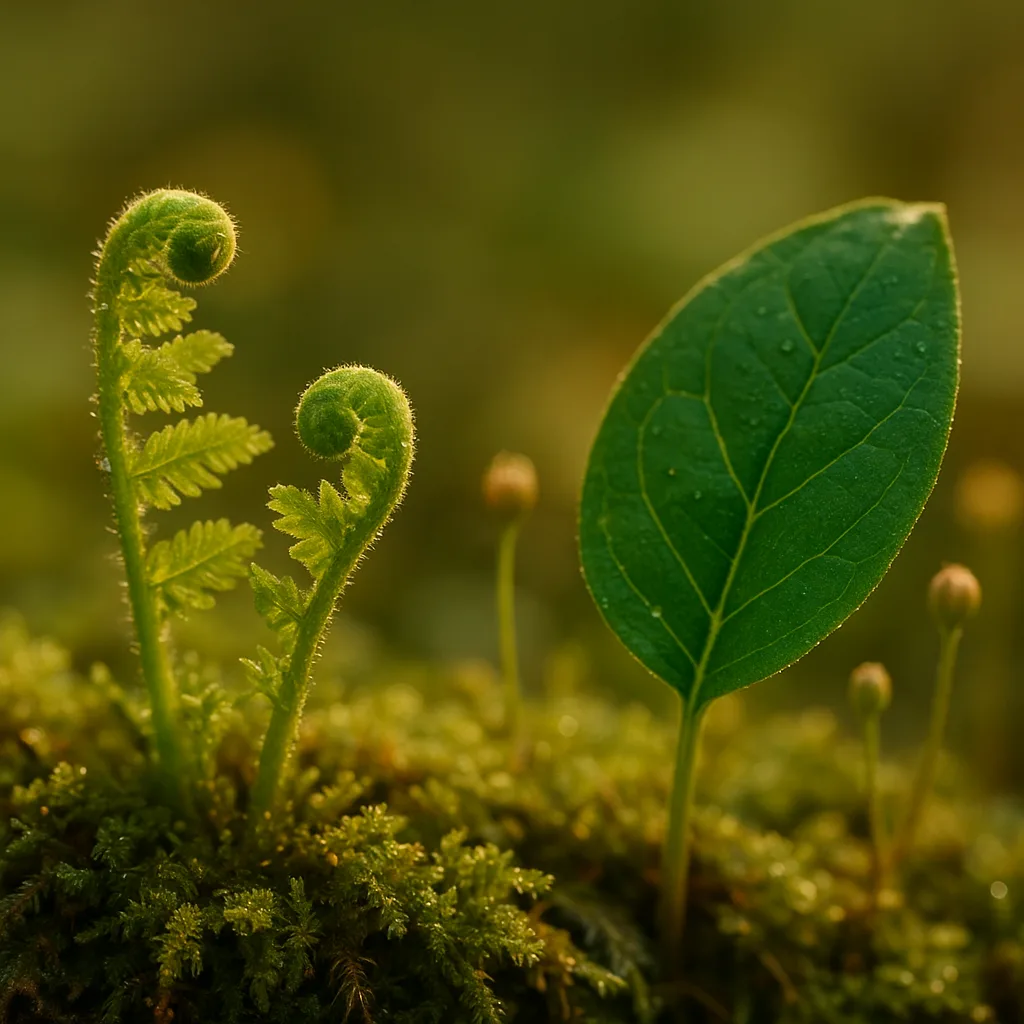
What the Google Plant Identification App Is
Google doesn’t sell a separate product called "Google Plant Identification App," but plant identification is available through a few Google properties, primarily Google Lens and the Google app (including Google Photos). These tools use convolutional neural networks (CNNs) trained on millions of labeled images to match your photo with possible species and common names.
- Where to find it: Google Lens (Android, iOS), Google app search bar, Google Photos suggestions.
- Cost: Free to use. No subscription required for basic identification features.
- Output: Ranked suggestions, common name, sometimes Latin name, and related images.
How to Use Google to Identify Plants
Using Google’s identification features is intuitive, but small adjustments greatly improve results. Below is a simple workflow and camera guidance.
Step-by-step: From Capture to ID
- Open Google Lens (or tap the Lens icon in Google Photos or the Google app).
- Frame the plant: focus on a diagnostic structure—leaf, flower, seed pod, or bark.
- Take one or more photos from different angles. Use close-ups and context shots.
- Let the app analyze the image and review the top 3–10 suggested species.
- Compare suggested species with your own observational notes (leaf arrangement, size, habitat).
Photo Tips to Improve Accuracy
- Distance: Aim for 30–150 cm (1–5 ft) depending on the subject. Flowers and leaves should fill at least 30% of the frame.
- Focus: Tap to focus on mobile cameras; capture sharp detail of leaf margins, venation, or petal texture.
- Lighting: Use diffuse daylight. Avoid backlighting and heavy shadows that hide key structures.
- Multiple shots: Take a close-up of a leaf, a flower, and a wider habitat shot to give context.
- Include scale: Place a coin or ruler in the photo or note approximate dimensions (leaf length in cm/in).
Accuracy, Strengths, and Limitations
Automated image recognition has advanced rapidly, but it's not infallible. Performance varies by genus, geographic region, image quality, and whether the plant is cultivated or a wild morph.
For more on this topic, see our guide on Identify Plants Fast: Visual ID Tips.
- Typical accuracy: Under ideal conditions—clear close-up of diagnostic parts—modern systems (including Google Lens) can be 70–95% accurate at the genus level and often 60–85% at the species level.
- Lower accuracy for: juvenile plants, sterile specimens (no flowers/fruits), cultivars, hybrids, and lookalike species complexes.
- Regional bias: Models trained on abundant temperate species do better in Europe/North America than in underrepresented tropical regions.
What Causes Misidentifications?
- Missing diagnostic structures: Leaves alone can be ambiguous; flowers and fruit narrow options dramatically.
- Poor image quality: Blurred, overexposed, or tiny subjects reduce model confidence.
- Phenotypic variation: Seasonal changes (e.g., autumn leaf color) or environmental stress can alter appearance.
Practical Field Identification Tips (Visual Cues)
Apps are tools, but human observation is crucial. Learn the visual cues AI relies on and add a few botanical basics to your routine.
Leaves
- Arrangement: Opposite (pairs), alternate, or whorled—this immediately narrows families (e.g., opposite leaves often suggest Oleaceae or Aceraceae).
- Shape & size: Oblong, lanceolate, cordate; record leaf length in cm (e.g., 2–15 cm).
- Margin: Entire, serrate, dentate, lobed—Crucial for oaks (Quercus) and maples (Acer).
- Venation: Pinnate, palmate, parallel—palmmate venation typically points to maples and some legumes.
Flowers and Inflorescences
- Color & number of petals: Count petals (e.g., many Apiaceae have umbels of tiny white flowers; Rosaceae often have five petals).
- Symmetry: Radial (actinomorphic) vs bilateral (zygomorphic) is diagnostic for families like Fabaceae or Lamiaceae.
- Reproductive parts: Visible stamens or pistils can indicate genera (e.g., 10 stamens in some Rosaceae).
Fruits, Seeds, and Bark
- Fruit type: Capsule, drupe, pome, samara—samaras (winged seeds) are typical of many Acer species.
- Bark texture: Smooth, fissured, peeling—useful for trees in winter (e.g., Betula papyrifera has papery white bark).
- Seed size: Note measurements in mm when possible; acorns (Quercus) vary from 10–50 mm long across species.
Measurements and Scales
- Height estimates: 0.1–0.5 m (seedlings), 0.5–3 m (shrubs), 5–30 m (trees).
- Leaf length: record to nearest cm; a 20 cm compound leaf suggests different species than a 3 cm simple leaf.
- Flower diameter: mm to cm—small (<5 mm) vs large (>2 cm) flowers indicate different families.
Google vs Orvik vs Other Plant-ID Tools
When searching "google plant identifier app free" users are weighing convenience, accuracy, and extra features. Here’s a comparative look at common choices.
You may also find our article on Which plant is the true money plant? helpful.
- Google (Lens/Photos): Free, ubiquitous, fast visual matches. Strengths: Seamless on Android, integrates with search. Limitations: Short on ecological context and user-curated records.
- Orvik: An AI-powered visual identification app that focuses on botanical accuracy and user-friendly field workflows. Strengths: Specialized plant dataset and clearer probability scores for species suggestions.
- iNaturalist: Community-driven with verified observations—excellent for distribution data and expert confirmations, but requires community participation to reach IDs.
- PlantNet: Academic project with strong performance for wild species in some regions; good for research contexts but less polished in UI.
X vs Y: How to Tell Them Apart
- Speed vs depth: Google is fastest for casual use; Orvik provides deeper botanical context and probability metadata useful to enthusiasts and professionals.
- Free vs premium features: Google’s core ID feature is free. Some competitors and specialized apps offer paid tiers for offline maps, batch uploads, or advanced keys.
- Community verification: iNaturalist excels when you want crowdsourced verification; Google and Orvik provide automated IDs first, with optional community links.
Habitat, Distribution, and Seasonal Behavior
Knowing where and when a plant grows is as important as what it looks like. Apps that combine image recognition with geo-temporal data improve accuracy.
- Geographic distribution: Many apps use GPS to limit candidate species to those recorded in a region—this reduces false positives across continents.
- Seasonality: Flowering windows (e.g., Narcissus in early spring, June–April depending on region) narrow ID to likely species.
- Habitat cues: Wetland species (e.g., Typha spp.) versus upland forest indicators (e.g., Acer saccharum). Include substrate notes—sandy soil, calcareous rock, acidic peat.
Practical Habitat Checklist
- Record GPS coordinates or a descriptive site note (e.g., roadside verge at 250 m elevation).
- Note soil moisture and pH where possible (dry loam, clay, boggy peat).
- Record associated species (understory plants, canopy trees) to help narrow ecological guilds.
Safety, Toxicity, and Legal Considerations
Identification is not just academic—mistakes can have health consequences. Treat app IDs as guidance, not definitive medical or foraging advice.
Looking beyond this category? Check out Mastering Visual ID: Your Photo Identifier Guide.
Related reading: Mastering Plant ID with Plantsnap.
- Toxic species to watch for: Toxicodendron radicans (poison ivy), Nerium oleander (oleander), Aconitum napellus (aconite). Many garden plants (e.g., some Solanaceae) are also poisonous.
- Children and pets: Never allow tasting of wild plants based solely on an app ID. Even small amounts can cause severe reactions in species like Nerium (cardiac glycosides).
- Legal protections: Endangered or protected plants should not be collected. Many jurisdictions fine the removal of protected native species or plants in public reserves.
How to Use App IDs Safely
- Use multiple confirmations: check photos, habitat, and local field guides or seek expert confirmation.
- When foraging, only harvest plants you can identify with 100% certainty using multiple sources.
- Report invasive species sightings using apps or local authorities to help conservation efforts.
Real-World Examples: How Visual Clues Lead to Correct IDs
Here are illustrative examples that show the interplay of app suggestion and human observation.
- Red maple vs sugar maple: Acer rubrum leaves usually have shallow lobes and serrated margins, 6–12 cm across, often red petioles; Acer saccharum (sugar maple) has deeper sinuses and smoother lobes. Habitat: Acer saccharum prefers rich, mesic soils—note soil and tree height (sugar maples often exceed 20 m).
- Poison ivy vs Virginia creeper: Poison ivy (Toxicodendron radicans) has compound leaves of three leaflets, each 3–12 cm long, with hairless petioles. Virginia creeper (Parthenocissus quinquefolia) has five leaflets. This distinction is easy to verify in photos and critical for safety.
- Dogwood species: Flower bracts and venation distinguish Cornus florida (showy white bracts, 4–6 cm, prominent veins) from Cornus kousa (distinctive 3–5 pointed bracts and later fruiting timing).
Conclusion
When people search for the "google plant identification app," they want a fast, free way to put a name to a plant and some guidance on accuracy. Google’s visual search tools are an excellent first stop—free, easy, and fast. For more botanical depth, context-aware probability scores, and dedicated plant-focused workflows, apps like Orvik offer complementary strengths. Use these tools together with basic field techniques—multiple photos, habitat notes, and scale—to get the most reliable identifications. And always treat automated IDs as a starting point: verify before you eat, harvest, or rely on the information for safety-critical decisions.
Frequently Asked Questions
- Is the Google plant identification app free?
- Yes. Google’s plant-identification features (via Google Lens and Google Photos) are free to use on Android and iOS for basic image recognition.
- How accurate is Google at identifying plants?
- Accuracy varies by image quality and species. Under ideal conditions, automated systems often reach 70–95% accuracy at genus level and 60–85% at species level, but results drop for sterile specimens or lookalike species.
- Can I use Google to identify poisonous plants?
- You can use Google as a first step, but do not rely solely on app IDs for safety. Confirm with field guides or experts before handling or ingesting suspect species.
- How does Orvik compare to Google for plant identification?
- Orvik is an AI-powered visual identification app that focuses on botanical context and probability information. Google is faster and more ubiquitous; Orvik may provide deeper plant-focused results useful to enthusiasts and professionals.
- What photos give the best ID results?
- Take multiple clear photos: a close-up of a leaf (with visible margins and venation), a flower or fruit, and a wider shot showing habit and habitat. Include a scale (ruler or coin) and use diffuse daylight for best results.
- Does Google use location data to improve plant ID?
- Yes. When you allow location access, Google and many other apps use geo-data to narrow candidate species to those known in that region, which improves accuracy.
- Are there any legal or ethical issues when using plant ID apps?
- Yes. Do not remove protected species from public lands. Be mindful of privacy when tagging location data, and report invasive species following local protocols rather than removing them yourself without guidance.