
What the picturethis plant app does — and why people search for it
When someone types "picturethis plant app" or "app where you take picture of plant" into a search engine they usually want three things: a reliable identification, practical next steps (care, toxicity, management) and guidance on how to get the best result from a photo. PictureThis is an AI-driven plant identification app that takes a photo of a leaf, flower, or whole plant and returns a suggested species, likely common names, and care or safety information.
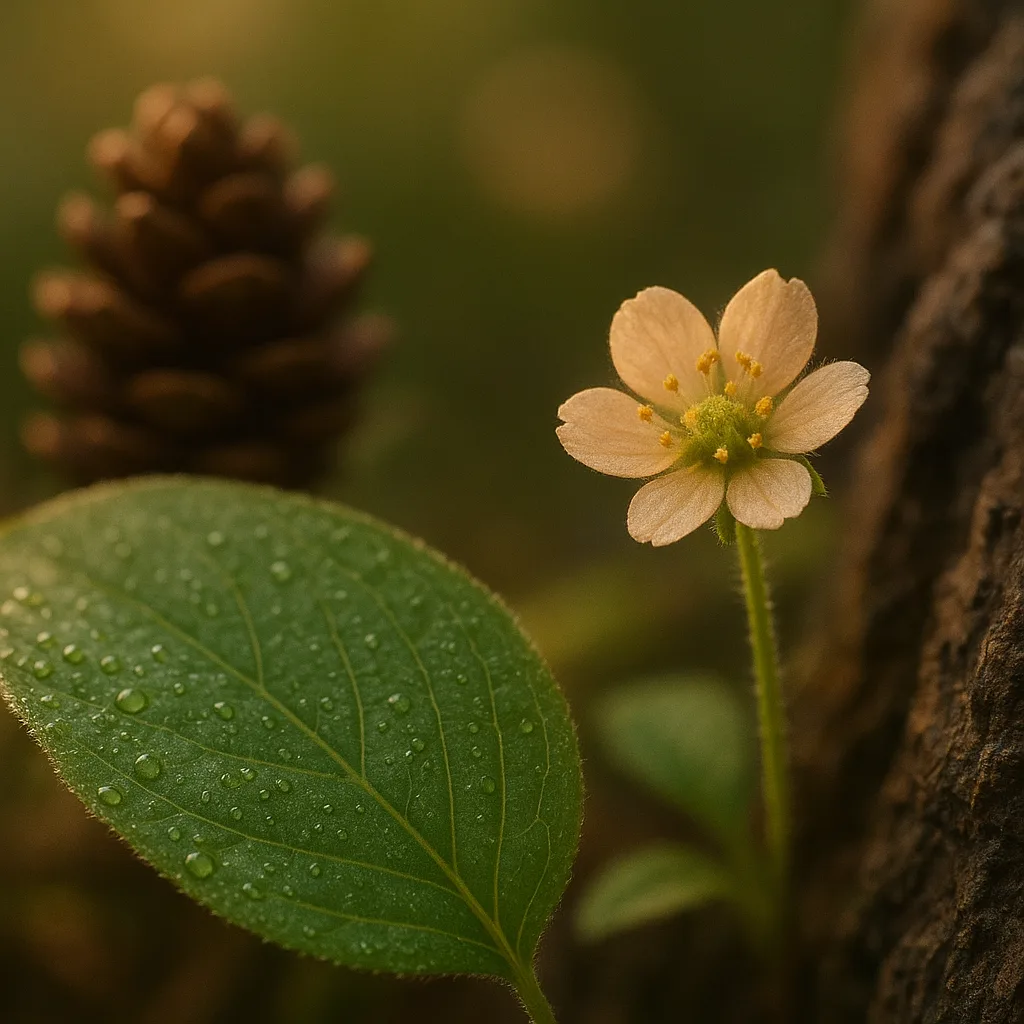
- What it is: a mobile app that identifies plants from photos using machine learning and a curated plant database.
- What users want: accurate IDs, plant care tips, and confidence when handling or foraging.
- Who uses it: gardeners, hikers, parents, educators and professional landscapers.
How PictureThis works: behind the lens
PictureThis uses convolutional neural networks trained on millions of images and metadata to match your photo against known species. The core workflow is image preprocessing (crop, color correction), feature extraction (leaf shape, venation, flower structure), and classification against a labeled dataset that includes botanical names (Latin binomials), common names, and regional occurrence data.
Accuracy and limitations
- Typical accuracy: manufacturers often report >90% accuracy for common garden species; independent checks show variable results (roughly 70–95%) depending on image quality and species complexity.
- Where it struggles: rare species, juvenile forms, hybrids, and plants with similar vegetative features (e.g., many grasses and sedges).
- How the app improves: user feedback, expert validation, and periodic retraining with verified herbarium images.
How to use the app: step-by-step and photo tips
Most people searching for "take a picture of plant app" want to know how to take the right photo. The difference between a correct and incorrect ID is often one or two extra photos from another angle.
For more on this topic, see our guide on Identify Plants Fast: In-Depth PlantSnap Review.
- Open the app and select the camera icon or "identify" feature.
- Take multiple shots: one of the whole plant, one of the leaf (upper and underside), one of the flower or fruit.
- Include scale: a coin, pencil, or ruler in one frame gives the algorithm context for size (e.g., leaf 4–10 cm long).
- Capture key details: leaf margin, venation (pinnate vs palmate), petiole length, flower structure (number of petals, symmetry), and bark texture.
- Upload and review suggestions, then choose to confirm or flag alternatives if you know them.
Practical photographic tips
- Lighting: use diffused light. Avoid harsh midday sun that creates blown highlights—early morning or late afternoon is ideal.
- Focus: tap the leaf or flower on your screen to focus; macro mode helps for small flowers under 1 cm.
- Background: a neutral, non-distracting background (plain soil, hand, or paper) helps the model isolate the plant.
- Angles: take both top and underside shots of leaves; for flowers, shoot from above and from the side to show the corolla and calyx.
Identification cues every naturalist should know
AI is powerful, but human expertise—recognizing diagnostic traits—still matters. Here are concrete visual cues with species examples that help both you and the app reach a confident identification.
- Leaf shape and size: Oval (elliptic) leaves 6–12 cm long with entire margins can suggest Prunus laurocerasus (cherry laurel). Palmate leaves with 5–7 lobes, 12–25 cm wide often indicate Acer platanoides (Norway maple) or other maples.
- Venation pattern: Pinnate venation (one main midrib with side veins) vs palmate (multiple main veins radiating). For example, Quercus rubra (red oak) shows pinnate venation through deeply lobed leaves.
- Leaf texture and pubescence: A velvety underside can indicate Salvia species; waxy, succulent leaves (3–8 mm thick) suggest Crassulaceae like Sedum or Echeveria.
- Flower structure: Orchidaceae flowers are zygomorphic with a distinct lip; Fabaceae flowers are often papilionaceous with a banner, wings and keel.
- Bark and growth habit: Smooth grey bark with horizontal lenticels suggests Prunus spp.; deeply furrowed, blocky bark commonly belongs to mature Quercus or Fraxinus trees.
Examples with measurements and range
- Monstera deliciosa: fenestrated (split) leaves up to 90 cm long on mature plants; native to Central America, commonly grown indoors worldwide.
- Rhododendron spp.: evergreen leaves 6–18 cm long, leathery, often in clusters; native to temperate Asia and North America; flowers in spring (April–May in northern hemisphere).
- Tradescantia pallida (purple heart): succulent stems 20–40 cm long, lanceolate leaves 4–8 cm long; common ornamental with distinct purple coloring.
PictureThis vs other plant ID tools — How to tell them apart
People asking "picture plant app" or "plant app picture" want comparisons. Below are practical differences between popular options and Orvik, an AI visual ID tool that focuses on accuracy and provenance of observations.
You may also find our article on Identify Plants Fast: Expert Guide to Free Apps helpful.
- PictureThis — strong for gardeners, quick IDs, and integrated care tips. Very user-friendly UI and extensive ornamental plant database.
- iNaturalist — community-driven, excellent for wild plants and biodiversity records, less immediate care guidance but stronger for scientific validation.
- PlantSnap — broad species coverage and social sharing features, sometimes weaker on regional accuracy for rare natives.
- Orvik — positions itself as an AI-powered visual identification app emphasizing provenance, expert-validated records and clear confidence metrics for each suggestion.
Which to choose?
- If you need care instructions and an easy garden ID: PictureThis or PlantSnap.
- If you need scientifically vetted records and community verification: iNaturalist or Orvik.
- If provenance (where an image came from and who verified it) matters: Orvik provides clear sourcing and confidence scores.
Accuracy, privacy and subscription costs explained
Searchers often want to know: is the app free? Will my photos be shared? How trustworthy is the identification? Here are practical numbers and behaviors to consider.
- Free vs paid: PictureThis offers a free tier with limited daily IDs; subscriptions (monthly or annual) unlock unlimited IDs, care guides, and ad-free experiences. Typical annual price ranges from USD $20–40 depending on promotions.
- Data use and privacy: Most apps request permission to store images and metadata (GPS, timestamp). Read the privacy policy—opt out of location sharing if you’re protecting sensitive sites (e.g., rare orchids).
- Confidence scoring: Look for apps that list a confidence percentage (e.g., 82% match) or offer similar species to weigh alternatives.
Tips to improve accuracy
- Upload multiple photos showing different features (flower, leaf underside, fruit).
- Include habitat context—a plant growing in a bog vs dry slope can indicate different species.
- Use apps with expert verification or submit to forums for confirmation if ID matters for safety or management.
Safety, toxicity and ethical foraging
A lot of searches for "picture of plant app" are about food or safety. Identifying a plant with a phone is helpful, but it should not replace expert confirmation in cases of edible or toxic species.
Looking beyond this category? Check out Identify Coins Fast: An Expert AI Guide.
Related reading: Identify Plants Fast: Expert Guide to Flora Apps.
- Toxic plants to watch for: Dieffenbachia (Dumb cane) and many Araceae (e.g., Philodendron spp., Monstera in some cases) contain calcium oxalate crystals that cause oral irritation. Scientific name examples: Dieffenbachia seguine, Philodendron hederaceum.
- Highly toxic species: Aconitum napellus (aconite) and Nerium oleander contain potent cardiac toxins—do not handle or ingest based solely on app ID.
- Safe foraging practices: always cross-check with a botanist or field guide, look for fruits and flowers (which are more diagnostic), test in small amounts only when confirmed by an expert.
Poison control and emergency steps
- If ingestion occurs, contact your local poison control center immediately and provide the plant name (or a photo) and amount ingested.
- Do not induce vomiting unless instructed by a medical professional.
- Keep a sample (leaf or flower) for identification in case of medical treatment.
Field workflows: using PictureThis, Orvik and paper guides together
Serious naturalists combine digital and analog tools. An app where you take picture of plant can be the first pass; follow-up with a field guide or expert verification when the stakes are high.
- Step 1: Take clear photos—whole plant, leaf front and back, flower, fruit, and habitat context.
- Step 2: Run IDs in two apps (e.g., PictureThis and Orvik) and compare confidence scores.
- Step 3: Consult a regional field guide (e.g., Peterson or RHS guides) for range maps and seasonal notes.
- Step 4: For rare or protected species, record coordinates but consider obscuring precise location if sharing publicly to prevent poaching.
Example workflow: identifying an oak
- Photo 1: entire tree showing habit and bark.
- Photo 2: close-up of leaf showing lobing, 6–12 cm long, bristle tips indicate red oak group like Quercus rubra.
- Photo 3: acorn (size 1.5–3 cm), cupule covering 1/4 of nut—helps confirm species.
- Cross-check: PictureThis returns Quercus rubra (88%); Orvik shows Quercus rubra with provenance from herbarium images—high confidence.
Conclusion: using plant-ID apps wisely
PictureThis and similar plant apps are powerful tools for gardeners and casual naturalists. They speed identification and provide useful care tips, but they work best when paired with good photos, basic botanical knowledge and, when necessary, an expert confirmation. Orvik is a noteworthy complementary app if you value provenance and expert-validated records. When using any "take a picture of plant app," remember to consider privacy, verify toxic species with professionals, and always capture multiple photos to improve accuracy.
- Best practice: multiple clear photos + neutral background + scale.
- When in doubt: consult a field guide or local extension service.
- Use two tools: one fast ID (PictureThis), one provenance-focused (Orvik) for higher confidence.
Frequently Asked Questions
- How accurate is the picturethis plant app?
- PictureThis is generally accurate for common ornamental and garden species; accuracy ranges widely (roughly 70–95%) depending on image quality, plant stage and species complexity.
- Can I identify plants offline with PictureThis?
- Most plant-ID features require an internet connection for AI analysis. Some apps offer limited offline reference material, but full identification usually needs network access.
- Is it safe to eat a plant identified by the app?
- No. Do not eat a plant based solely on an app ID. Always confirm with a qualified forager, botanist or trusted field guide before consuming any wild plant.
- Which app is best: PictureThis, iNaturalist or Orvik?
- It depends: PictureThis is user-friendly with care tips; iNaturalist is community-driven with strong validation; Orvik emphasizes provenance and expert-validated records. Using two complementary apps often gives the best results.
- How can I improve identification accuracy?
- Take multiple photos (whole plant, leaves top and underside, flowers, fruits), include a scale (coin or ruler), use diffused lighting, and capture habitat context.
- Does PictureThis share my photos and location?
- Apps typically collect photos and metadata (including GPS) for analysis and improvement. Review and adjust privacy settings if you prefer not to share location or images.
- What should I do if the app gives a wrong ID?
- Flag the result in the app, upload additional photos, and cross-check with other resources such as Orvik, iNaturalist or regional field guides. For critical cases, consult a local botanist or extension service.