
Overview: What the PlantSnap plant identification app Is
PlantSnap is a visual plant identification app that uses machine learning and crowd-sourced data to identify plants from photographs. Launched in 2017, PlantSnap now claims a library covering more than 600,000 species worldwide, including angiosperms, gymnosperms, ferns, mosses and fungi. Available on iOS, Android and as a web service, the app markets itself as a fast way to identify flowers, trees, shrubs, succulents and weeds.
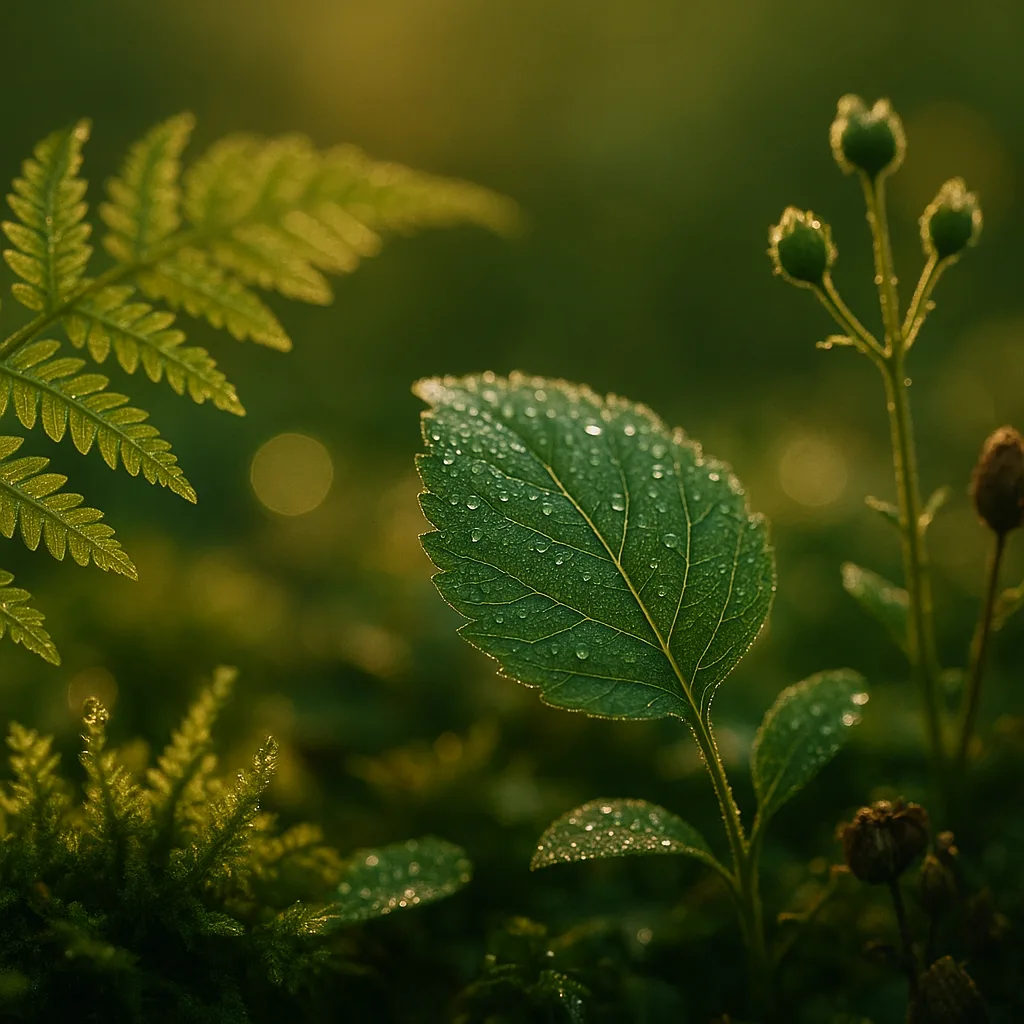
Key capabilities
- Photo-based identification: upload or take a picture; the model returns probable matches.
- Species database: reportedly >600,000 taxa, plus common names and basic range information.
- Search and filter: by leaf shape, flower color, habitat, or location tags.
- Offline packs (paid): region-specific models to identify plants without cell service.
- User contributions: community verification, photo library, and learning over time.
For users who prefer alternatives, Orvik — an AI-powered visual identification app — is another modern option that emphasizes fast on-device inference and clear field guidance. Both apps serve people searching for a practical "scan plant app" experience, but they differ in pricing, interface and community features.
How PlantSnap Works: The Tech Behind the Scan
PlantSnap combines convolutional neural networks (CNNs) trained on millions of labeled plant images with metadata like GPS, season and user feedback. When you use the plant scanning app, it compares your image to its model and returns ranked matches with confidence scores.
Typical identification workflow
- Open the app and take or upload a photo of the plant part (leaf, flower, bark, fruit).
- The neural network analyzes features — leaf venation, petal number, margin type, color and texture.
- It returns a ranked list of candidate species with photos and distribution notes.
- Optionally, you confirm the match and add your image to the community database.
Practical tips to improve app accuracy
- Photograph a single specimen in focus; avoid shadows and motion blur.
- Take multiple shots: whole plant, close-up of leaf (upper and underside), flower, fruit and bark.
- Include a scale: a coin, ruler or finger gives size context (e.g., leaf 3–12 cm).
- Note habitat and location: wetlands, dry prairie, mixed hardwood forest — these reduce candidate matches.
Field Identification Tips: Visual Cues That Matter
Atomizing plant identification into visual cues helps you judge app suggestions and confirm IDs manually. Below are structural characters with measured ranges and examples.
Leaves
- Shape: ovate, lanceolate, cordate, linear. Example: Acer rubrum (red maple) leaves are palmate with 3–5 lobes, 6–12 cm across.
- Margin: entire, serrate, dentate, lobed. Example: Quercus robur (English oak) has lobed margins with rounded sinuses.
- Venation: pinnate vs palmate. Palmate venation is common in maples (Acer spp.), with veins radiating from the petiole base.
- Surface texture: glabrous (smooth), pubescent (hairy), scabrous (rough). E.g., many Salvia leaves are pubescent and aromatic when crushed.
Flowers and inflorescences
- Symmetry: actinomorphic (radial) vs zygomorphic (bilateral). Peas (Fabaceae) are zygomorphic.
- Petal number and arrangement: roses (5 petals in many wild species) vs composite heads in Asteraceae (ray + disc florets).
- Color and size: many nectar-foraging plants have long tubular corollas 15–40 mm long (e.g., Penstemon).
Fruits, seeds and bark
- Fruit type: drupe (Prunus spp.), capsule, nut (Juglans regia), berry (Vaccinium).
- Seed size: e.g., maple samara 1–3 cm; acorns 2–4 cm long depending on oak species.
- Bark texture: smooth (Betula pendula) vs fissured (Pinus sylvestris).
Use these cues when the app returns multiple close matches: prefer candidates that match leaf size, margin and habitat.
For more on this topic, see our guide on Identify Plants Fast: Expert Guide to Free Apps.
PlantSnap vs LeafSnap vs Orvik: How to Tell Them Apart
Gardeners and naturalists often search for the "leafsnap plant identifier app" or "snap plant identifier app" when deciding which tool to use. Here’s a practical comparison focusing on features users care about.
Quick comparison
- Database size: PlantSnap: >600,000 species (global). Leafsnap: originally focused on trees and northeast US species, smaller but curated. Orvik: an AI-powered app that emphasizes fast, explainable identifications (details vary by app release).
- Accuracy: Varies by species and photo quality; common species often achieve 80–95% top-5 accuracy under good conditions. Rare species, hybrids or juveniles are harder.
- Offline use: PlantSnap offers paid offline packs. Leafsnap historically offered curated offline content. Orvik may emphasize on-device models to limit data sharing.
- Cost: PlantSnap has a free tier with limits and a Pro/subscription for unlimited/advanced features. Search queries such as "plant snap app free" or "free plant snap app" reflect users seeking usable functionality without subscription fees.
X vs Y: How to Tell Lookalikes Apart — Practical examples
- Toxicodendron radicans (poison ivy) vs Parthenocissus quinquefolia (Virginia creeper)
- Poison ivy: trifoliate leaves (3 leaflets), terminal leaflet on a longer stalk; shiny surface when young; clusters of white berries. Habitat: edges, disturbed sites. Seasonality: leaves turn red/orange in fall.
- Virginia creeper: pinnate with 5 leaflets, adhesive tendrils, dark bluish berries. Habitat: fence lines, walls, forests.
- Oxalis spp. (wood sorrel) vs Trifolium spp. (clover)
- Wood sorrel: heart-shaped leaflets with a distinct fold and sour taste (oxalic acid), small 5-petaled yellow or pink flowers. Leaflets 1–2 cm.
- Clover: rounded leaflets, no fold, flowers in globose heads (white or red). Leaflets often 4–18 mm.
Cost, Privacy and Practicalities: Is There a Free Plant Snap App?
One common search intent behind queries like "plant snap app free" and "free plant snap app" is to learn whether the app is usable without paying. PlantSnap typically provides a free tier that allows a limited number of identifications per day or contains ads, with a Pro subscription for unlimited use and offline content. Exact pricing fluctuates by platform and region; check the App Store or Google Play for current plans.
What to expect in free vs paid tiers
- Free: limited daily identifications, watermarking, community features, basic suggestions.
- Paid/Pro: unlimited scans, offline region packs, higher-resolution results, ad-free experience, advanced search filters.
Privacy and data use
- Photo and location sharing: many apps request optional permission to store your images and GPS to improve models.
- On-device models vs cloud inference: on-device models (promoted by apps like Orvik) minimize server uploads and protect privacy.
- Check the app’s privacy policy for data retention, sharing and opt-out options.
Best Practices for Using a Scan Plant App in the Field
Getting consistent, useful identifications requires predictable inputs. These field practices turn a single photo into a reliable record.
You may also find our article on Identify Plants Fast: Expert Guide to Flora Apps helpful.
Before you go
- Charge battery and download offline packs for remote areas.
- Carry a small ruler or use coins as scale.
- Bring a notebook or use the app notes field to record habitat and phenology (flowering, fruiting).
When photographing
- Shoot in natural light; avoid backlighting and heavy shadow. Aim for ISO < 800 on phones to reduce noise.
- Fill the frame with the subject but include context (whole plant and close-ups of diagnostic parts).
- Take both dorsal (top) and ventral (underside) leaf shots; many IDs hinge on hair presence or midrib features.
After the scan
- Save multiple images per observation and add notes on habitat (e.g., riparian, calcareous soil).
- Cross-check with regional floras, local extension services, or alternative apps like Orvik for second opinions.
Common Identification Challenges and How to Overcome Them
Plant identification is complicated by life stage, hybridization and human cultivation. Below are frequent pitfalls and fixes.
Juvenile plants and seasonal change
- Juveniles often lack defining flowers or fruit. Focus on leaf arrangement (alternate vs opposite), petiole presence, and cotyledon shape.
- Seasonality: many trees can be ID’d year-round via bark texture and bud structure (e.g., beech Fagus sylvatica has smooth gray bark and long, elliptical winter buds ~1.5–2 cm).
Hybridization and cultivars
- Garden cultivars (e.g., many roses, Hydrangea macrophylla cultivars) may not match wild-type images; look for cultivar tags or nursery names in app databases.
- Hybrids can show intermediate traits; use geographic and habitat constraints to narrow possibilities.
Toxicity and safety
Identification apps can help avoid hazardous plants, but always double-check before touching or ingesting. Examples:
Looking beyond this category? Check out Fast Beetle Identification Guide.
- Nerium oleander (oleander): evergreen shrub with opposite or whorled leaves 8–15 cm long. Contains cardiac glycosides; ingestion of small amounts can be fatal.
- Conium maculatum (poison hemlock): hollow, purple-spotted stems, finely divided leaves, white umbrella inflorescences. Extremely toxic — avoid handling seeds and sap.
- Ricinus communis (castor bean): large palmate leaves 15–45 cm across; seeds contain ricin and are highly poisonous.
If an app suggests a toxic species, err on the side of caution: do not taste, inhale dust from, or handle unknown plants without gloves.
Related reading: Identify Plants Fast: Field-Proven Photo ID Guide.
Which App Should You Use?
People searching for "plant snap app" or "scan plant app" usually want quick, accurate IDs and an easy way to catalog finds. Use the following rule-of-thumb:
Choose based on goals
- Casual backyard naturalist: the free tier of PlantSnap or leaf-focused apps offers quick IDs and a photo library.
- Field botanist or educator: prioritize apps with offline packs, detailed metadata and the ability to export observations (CSV, KML).
- Privacy-minded users: consider Orvik or apps that emphasize on-device inference and minimal data sharing.
Cross-checking multiple tools — PlantSnap, Leafsnap plant identifier app variants, Orvik and regional keys — often yields the best results. No single app will be perfect for all taxa or regions.
Conclusion
PlantSnap is a capable, widely used plant scanning app with a large species database and a useful free tier. Accuracy depends on image quality, the plant’s life stage, and geographic context. For the best results, take multiple focused photos, note habitat, and cross-verify identifications with other sources such as local floras or apps like Orvik. Whether you search for a "plant snap app free" option or a paid Pro plan with offline packs, combining machine intelligence with field technique will give you confident, safe identifications.
Frequently Asked Questions
- Is PlantSnap free to use?
- PlantSnap has a free tier with limited daily identifications and ads; Pro subscriptions unlock unlimited scans, offline packs and advanced features. Check the app store for current pricing.
- How accurate is a plant scanning app?
- Accuracy depends on photo quality, species commonness and life stage. Under good conditions common species often appear in the top-5 matches 80–95% of the time; rare species and juveniles are harder to ID reliably.
- Can I use PlantSnap offline?
- Yes — PlantSnap offers paid offline region packs. Some alternative apps like Orvik emphasize on-device inference to reduce or remove the need for cloud access.
- What should I photograph to improve identification?
- Photograph the whole plant and diagnostic parts: top and underside of a leaf, flowers, fruit, bark, and a photo that shows scale (coin or ruler). Note habitat and phenology.
- Are identification apps safe for identifying poisonous plants?
- They help but are not infallible. If an app suggests a toxic species (e.g., Nerium oleander, Conium maculatum), avoid contact and verify with an expert resource before handling or ingesting.
- How do PlantSnap and Leafsnap differ?
- PlantSnap targets a global species base and ML-driven identifications; Leafsnap started with curated tree images for specific regions. Each has strengths depending on taxa and geography.
- Can I contribute photos to improve the app's database?
- Yes. PlantSnap and many plant ID apps allow users to upload and verify images to help improve models and community data.