
If you've ever stood under a canopy and wondered which species is shading you, a tree identification app can answer that question in seconds. This guide explains how modern apps work, what visual cues matter most (leaves, bark, buds, fruit and wood grain), how to get reliable results in the field, and which tools — including Orvik — excel at different tasks.
How tree identification apps work
Most tree identification apps combine computer vision with reference databases and expert-verified records. The typical pipeline:
- Image capture: photo(s) of leaf, bark, fruit, flower or whole tree.
- Preprocessing: cropping, color correction, and segmentation to isolate leaf or bark features.
- Feature extraction: algorithms detect shape, texture, venation, color and scale (size).
- Model inference: a trained neural network compares features to labeled specimens to produce candidate matches.
- Contextual filtering: GPS, season, and known distribution narrow results.
Types of models
- Convolutional Neural Networks (CNNs): excel at leaf and bark pattern recognition.
- Ensemble models: combine image models with metadata (location, month) to improve accuracy.
- Hybrid systems: pair machine predictions with community verification (e.g., iNaturalist-style).
Apps like Orvik use AI-powered visual recognition to make initial identifications and can display confidence scores to indicate certainty. No algorithm is perfect, so understanding how these systems use visual and contextual clues helps you interpret results.
Key visual cues for tree identification
Successful identification rests on a few reliable characters. Learn to recognize them — and when to photograph each — to get the best results from any tree identifier app.
- Leaves (shape, margin, arrangement)
- Bark (texture, pattern, color, exfoliation)
- Twigs and buds (bud scale count, arrangement, size)
- Fruits and seeds (acorns, samaras, nuts, cones)
- Habit and size (overall form, height, DBH)
Leaf characteristics to capture
- Arrangement: opposite (e.g., Acer, Fraxinus) vs alternate (e.g., Quercus, Betula) — 1–2 photos across the stem.
- Shape and size: measure leaf length in cm (e.g., Acer saccharum 7–20 cm; Quercus rubra 12–22 cm).
- Margin: serrated, lobed, entire; presence of bristle tips (oaks in section Lobatae).
- Venation: pinnate vs palmate; number of primary veins (e.g., Aesculus 5–7 palmate lobes).
Bark and twig features to capture
- Texture: smooth (Fagus grandifolia), lenticellate (Betula spp.), fissured (Quercus alba), or plated (Pinus ponderosa).
- Color and contrast: white, gray, reddish-brown; note seasonal color changes and lichens.
- Exfoliation: papery peeling (Betula papyrifera), blond strips (Acer griseum).
- Twig buds: terminal bud size (e.g., Prunus serrulata large, conical), bud scales count, and arrangement.
Bark-first identification: challenges and practical tips
Identifying trees by bark alone is often the hardest task for both humans and algorithms. Bark can change with age, exposure, and disease. Still, in winter or when leaves are out of reach, bark may be your only cue.
For more on this topic, see our guide on Master Tree Identification: A Field Guide.
- Bark varies by age: young stems often have smoother bark; older trunks develop deep fissures or plates.
- Species with distinctive bark: Betula papyrifera (white, peeling), Acer griseum (cinnamon-brown, peeling), Fagus grandifolia (smooth, gray).
- Look for auxiliary cues: nearby saplings, remaining fruits, or the tree's silhouette.
Photography tips for bark
- Take multiple close-up shots at different heights (0.5–2.0 m) to show texture scale.
- Include a reference object (coin, ruler) to indicate scale — many models use relative size to disambiguate species.
- Photograph in diffuse light; harsh sun casts shadows that obscure texture.
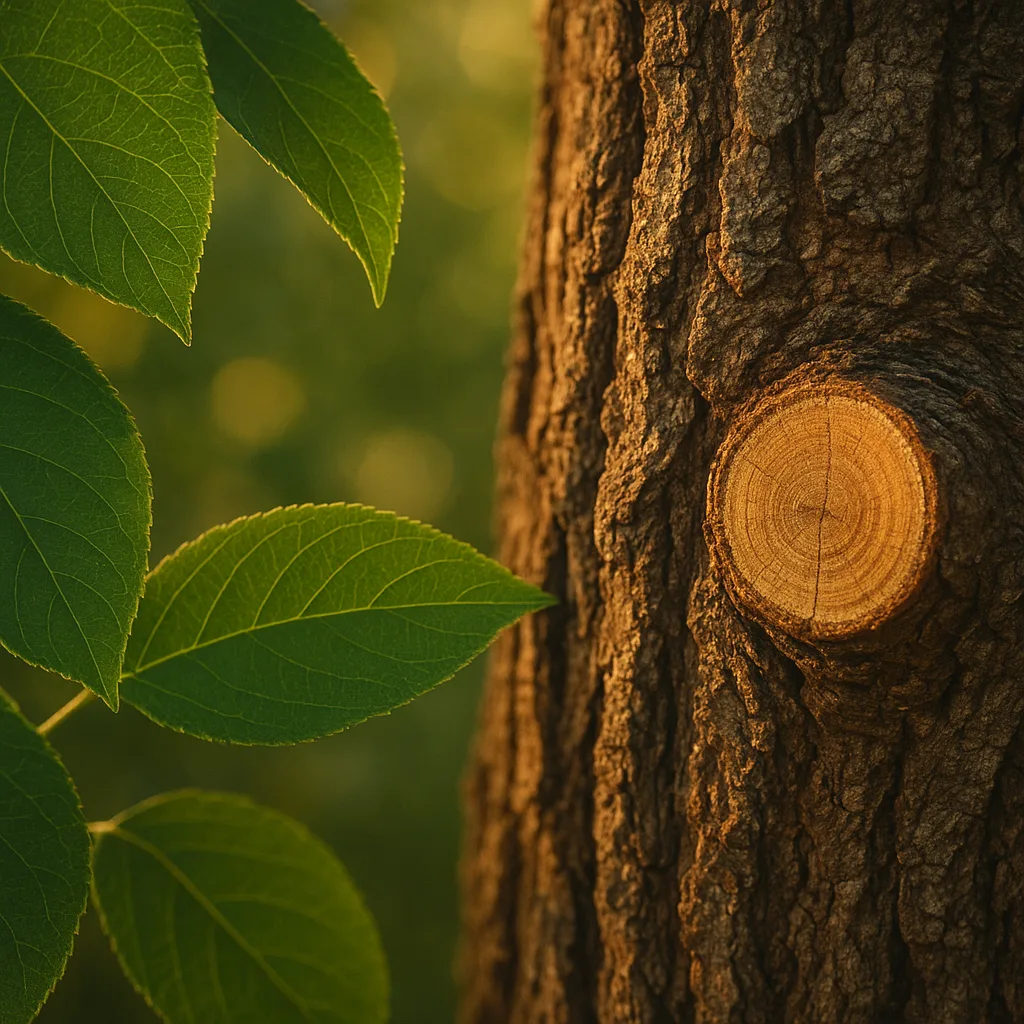
- Capture cross-sectional views if a broken branch or stump is available (wood grain is diagnostic).
How reliable are bark-only apps?
Some apps attempt bark-based ID, but accuracy is lower than leaf-based identification. Orvik and other advanced apps improve results by combining bark images with location and season, lifting identification confidence from, say, 40% (bare bark) to 75% when habitat data is added.
Using apps effectively in the field
Getting reliable identifications requires more than a single hurried snapshot. Follow these best practices to maximize accuracy and learn along the way.
- Capture multiple organs: leaves, bark, buds, fruit, and a wide-shot of the crown and habit.
- Note the context: precise GPS location, elevation, soil moisture (wet vs dry), and surrounding plant community.
- Time and season: flowers/fruit in spring–summer, bark and buds in winter; record the date — phenology matters.
- Use scale and reference: include a ruler or a common item for size comparisons.
- Try close-up and angled shots: venation detail and margin edges are critical for leaf-based models.
Offline and privacy considerations
- Offline mode: many apps cache models for use away from service; check if your app supports offline species lists and local maps.
- Data privacy: apps that upload images may share locations with community repositories; review privacy settings if you want to keep records private.
- Battery and storage: high-resolution photos consume space and power — carry a power bank and limit burst shots to essentials.
Orvik emphasizes AI-driven visual ID, and its offline capabilities and privacy options make it useful for professional fieldwork and casual users alike.
Comparing apps and tools: Orvik, iNaturalist, Leafsnap and more
There is no single “best” app for every use-case. Here's how common approaches compare, and when to choose each.
You may also find our article on Identify Tree Leaves Confidently helpful.
- Community-driven apps (iNaturalist): excellent for verification, species distribution records, and rare finds. Strength: expert community. Weakness: requires uploading observations and waiting for IDs.
- Image-first AI apps (Orvik, PictureThis): immediate, often high-confidence IDs. Strength: speed and ease. Weakness: can misidentify similar species without additional context.
- Leaf-only apps (Leafsnap, Leafsnap-like models): great for broadleaf species using leaf shape and venation. Weakness: conifers and bark-less stages are problematic.
- Wood identification apps and keys: specialized apps focus on wood grain, density and microscopic features — used mainly by woodworkers and forensic analysts.
X vs Y: How to tell similar trees apart
Common confusions and quick tests:
- Acer saccharum (sugar maple) vs Acer rubrum (red maple): sugar maple leaves 7–20 cm, deep U-shaped sinuses and 3–5 lobes with smooth margins; red maple often has serrated lobes, smaller leaves (5–10 cm), and red petioles.
- Quercus rubra (northern red oak) vs Quercus alba (white oak): red oak leaves have bristle-tipped lobes and deeper sinuses; white oak has rounded lobes and paler, flaky bark.
- Betula papyrifera (paper birch) vs Betula lenta (black birch): paper birch has white, peeling bark; black birch has darker, aromatic wintergreen-scented twigs and does not peel in large sheets.
- Pinus strobus (eastern white pine) vs Pinus resinosa (red pine): white pine needles in fascicles of five, 8–13 cm long; red pine needles in fascicles of two, 7–12 cm long and stiffer.
When you submit multiple organ photos to a tree identification app like Orvik, comparative features are weighted together and confusing pairs are resolved more reliably.
Species spotlight: practical ID cues for common trees
Below are concise field notes for several widely encountered species with the most diagnostic characters to photograph and measure.
You might also be interested in Spotting Bed Bugs: A Clear Visual Guide.
- Acer saccharum (Sugar Maple): Leaves palmate with 5 lobes, 7–20 cm. Bark on mature trees furrowed and scaly. Habitat: northeastern North America, rich, moist soils. Fall: brilliant orange to red.
- Quercus rubra (Northern Red Oak): Leaves 12–22 cm, bristle-tipped lobes. Acorns 2–3 cm. Bark with shallow, flat-topped ridges. Habitat: mixed hardwood forests, well-drained soils.
- Betula papyrifera (Paper Birch): White, papery exfoliating bark; leaves ovate 4–8 cm with doubly serrate margins. Range: boreal and northern temperate zones.
- Pinus strobus (Eastern White Pine): Needles in fascicles of five, 8–13 cm long; cones 8–16 cm. Habit tall and conical; habitat: upland and riparian areas in eastern North America.
- Juglans nigra (Black Walnut): Pinnate leaves 50–90 cm long with 15–23 leaflets; thick ridged bark; nuts enclosed in a green husk. Habitat: fertile, well-drained soils in eastern U.S.
- Fagus grandifolia (American Beech): Smooth, light gray bark; elliptical leaves 6–12 cm with parallel veins; fruit a bristly nutlet. Habitat: mesic forests, shade-tolerant understory tree.
What to photograph for each species
- Leaves: one flat on a dark background and one showing attachment to twig.
- Bark: close-up and a wider shot showing overall pattern and trunk diameter (measure DBH if possible).
- Fruit/flowers: close-up with scale, and the cluster or position on branch.
- Whole-tree habit: a photo from 10–20 m distance to capture silhouette.
Safety, wood identification, and conservation considerations
Identifying a tree isn't only about names — it often informs safety, resource use, and legal responsibilities.
Related reading: Mastering Oak Leaves: Identify Trees in the Field.
- Toxicity warnings: Taxus spp. (yew) have seeds and foliage containing taxine alkaloids; ingesting parts can be fatal to humans and livestock. Aesculus hippocastanum (horse chestnut) seeds are also toxic if eaten. Always wear gloves when handling unknown seeds or bark if you plan to sample.
- Allergens and dermatitis: Western red cedar (Thuja plicata) and some plane trees can cause contact dermatitis; sawdust from certain hardwoods (e.g., Eastern black walnut) may irritate.
- Wood identification apps: used by woodworkers to match lumber by grain, color and density; these often require close-up cross-sectional photos and sometimes microscopic images of vessels and fibers. They are distinct from tree ID apps focused on whole-organ features.
- Legal and conservation notes: some species are protected or invasive. Do not collect seeds or wood from private property without permission. Report sightings of rare or invasive species to local authorities or conservation groups.
Practical safety tips
- Wear gloves and eye protection when collecting samples.
- Avoid tasting plant parts to confirm ID.
- Label any field samples with date, GPS coordinates and habitat notes.
Orvik and similar apps can help you flag potentially toxic species quickly, but digital IDs should not replace caution when handling unknown plants.
Conclusion
Tree identification apps have transformed how naturalists, students, and professionals identify and record trees. By combining thoughtful field technique (multiple organs, scale, habitat notes) with AI-powered image recognition — as used by Orvik and other leading apps — you can quickly narrow species with high confidence. Remember that leaves give the best single-organ clues, bark is valuable in winter but more challenging, and wood ID is a specialized subfield. Use apps as intelligent assistants: verify surprising results with reference keys or local experts, respect conservation rules, and prioritize personal safety when handling plant material.
Armed with the right photos, a basic understanding of leaf and bark characters, and the appropriate app, you can turn an afternoon walk into a practical field lesson in dendrology.
Frequently Asked Questions
- What is the most accurate way to use a tree identification app?
- Photograph multiple parts — leaf (flat and attached), bark close-up, fruit/flowers, and a wide shot of the tree. Include a scale and location; apps that combine images with GPS and seasonality give the highest accuracy.
- Can apps identify trees from bark alone?
- Some apps attempt bark-only identification, but accuracy is generally lower than leaf-based ID because bark changes with age and environment. Combining bark photos with location and other cues improves results.
- Is there a free tree identifier app?
- Yes. Apps like iNaturalist and Seek are free and community-supported. Many commercial apps offer free basic ID features but charge for premium tools like offline packs or higher-resolution models.
- How reliable are AI tree IDs?
- AI models can reach high accuracy (often 85–95%) with good photos and context, but performance drops for visually similar species or poor-quality images. Use AI as a first pass and confirm with field guides or experts for critical IDs.
- Can a tree identification app identify wood?
- Wood identification typically requires close-up photos of endgrain and sometimes microscopic structure. Some specialized wood ID apps exist, but they are different from general tree ID apps focused on leaves and bark.
- Are tree ID apps useful in winter?
- Yes, but they're more limited. In winter, focus on bark, twig/bud morphology, and any persistent fruit or leaf scars. Apps that accept multiple photos and use location data, such as Orvik, can still provide helpful suggestions.
- How should I handle potentially toxic trees?
- Do not ingest unknown plant material. Wear gloves when handling unknown fruits or bark, and avoid eye contact. Use the app to flag toxic species, but follow up with authoritative sources for confirmation.