
What is baseball card tracking software?
Baseball card tracking software helps collectors identify, catalog and monitor the value of their baseball cards and sets. These tools range from simple checklist apps to full inventory systems with photo recognition, price histories, grading integration and reporting. Whether you want to manage a few dozen cards or thousands, the right software saves time and gives you reliable data for buying, selling and insurance.
- Identify cards by set, year, and card number.
- Track card condition, grade and market value.
- Organize collections and checklist baseball card sets.
- Sync across devices and export for backup or sale.
Key features to look for in a baseball card tracking software
Not all apps are built the same. Prioritize features that match how you collect and how much effort you want to spend.
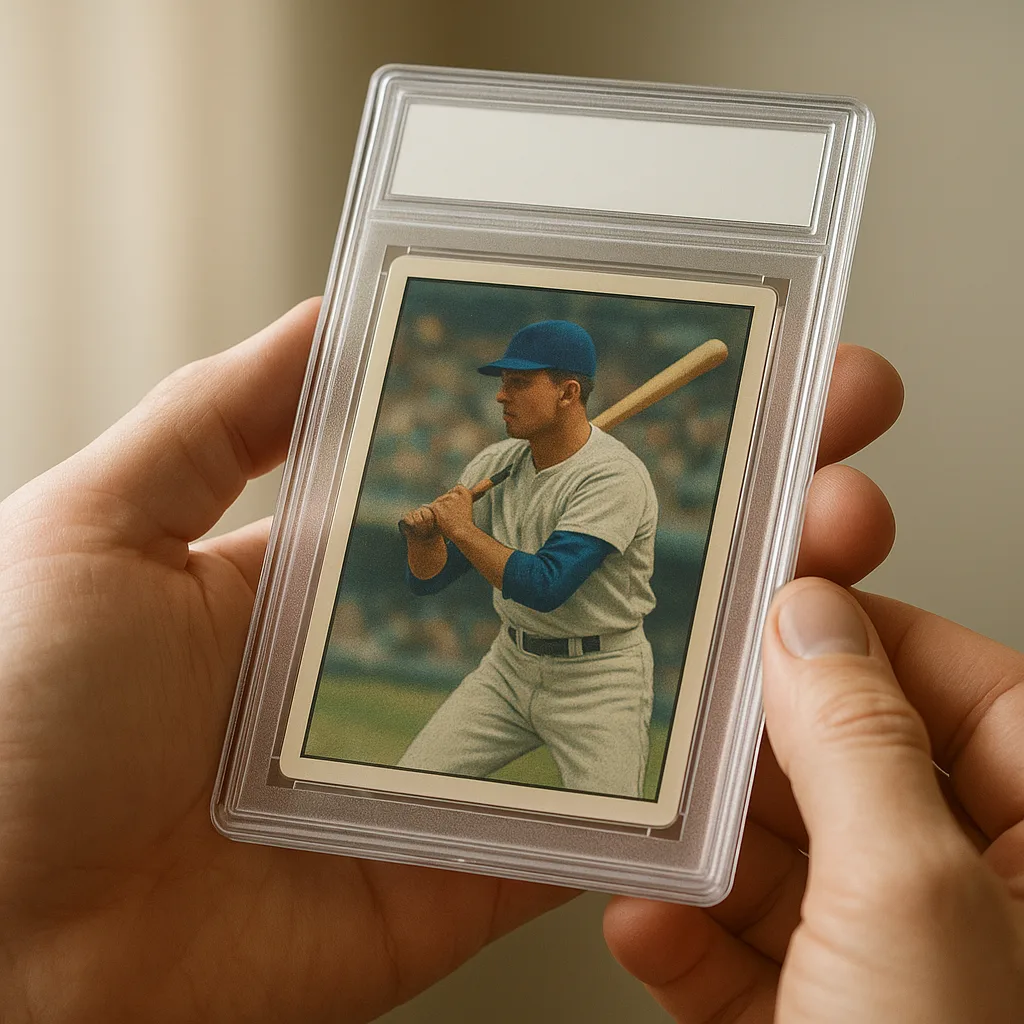
- Card identification: Photo recognition or searchable databases to match card images to exact set entries.
- Valuation tools: Live or recent-sales-based pricing, price history charts and watchlists.
- Condition/grade tracking: Ability to note wear, store a PSA/Beckett grade, or estimate condition with photos.
- Inventory & set management: Checklists for baseball card sets, missing/owned flags, quantity tracking.
- Import/export: CSV or Excel support so you can move data between apps or marketplaces.
- Integrations: Links to grading companies, marketplaces (e.g., eBay), or third‑party price feeds.
- Mobile support: A good baseball card scanner app on iOS/Android for on-the-go identification.
How card identification and scanner apps work
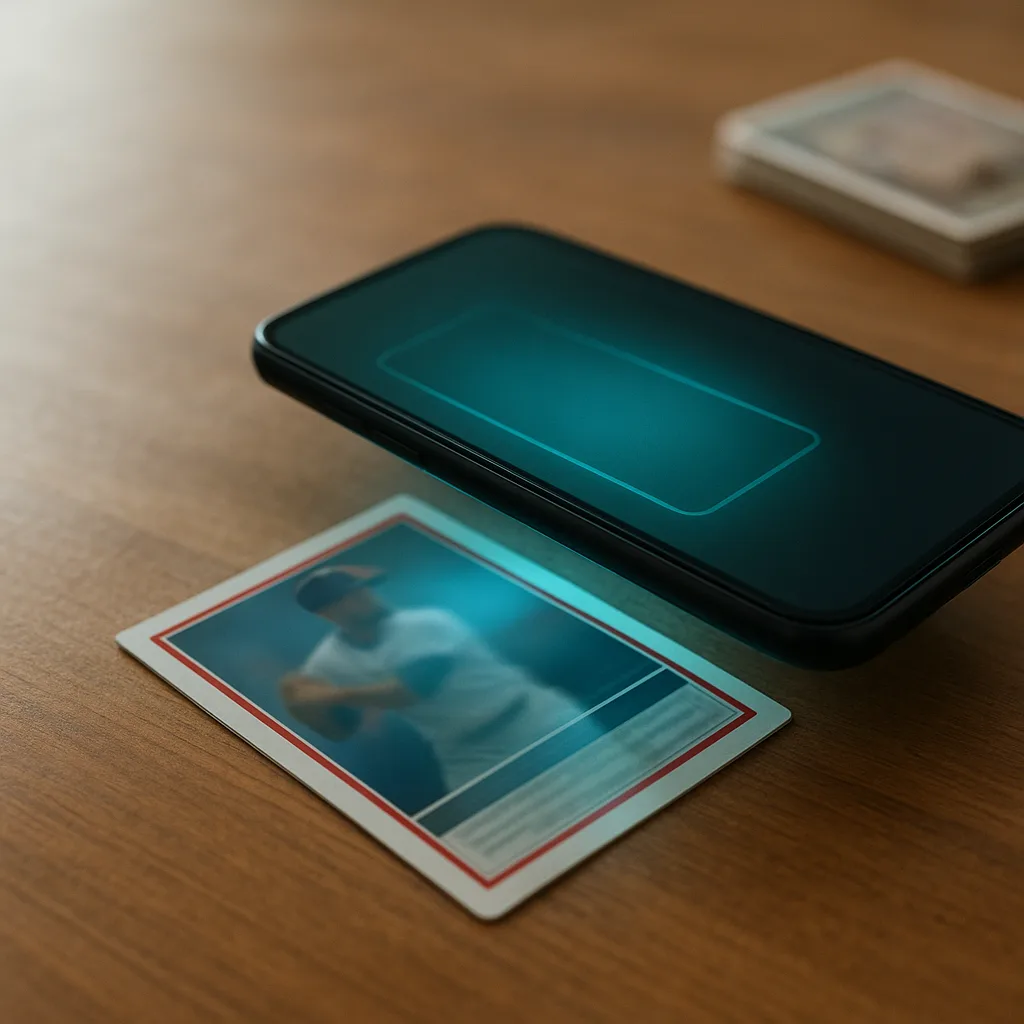
Modern baseball card scanner apps use a combination of image recognition, OCR (optical character recognition), and databases to match a photographed card to a known entry.
Typical workflow
- Take a clear photo of the front (and sometimes the back) of the card.
- The app extracts text (player name, team, card number, year) and reads visual features like logos or designs.
- The app matches the card to an entry in a trading card database (baseball) and returns the set, card number and variants.
- You can then add the card to your inventory, set the condition, and check market values.
Good scanners also recognize reprints, short prints or parallels by comparing subtle differences. No app is perfect—lighting, reflections, and heavy surface wear can hamper recognition—so manual confirmation is sometimes needed.
- Examples of scanner capabilities: auto-fill set & card number, detect manufacturer (Topps, Bowman), and identify rookie cards.
- Look for apps that allow manual edits when the scanner misidentifies a card.
Cataloging and organizing your baseball card collection
Organizing cards is as important as identifying them. Most collectors benefit from a consistent system that tracks both individual cards and complete baseball card sets.
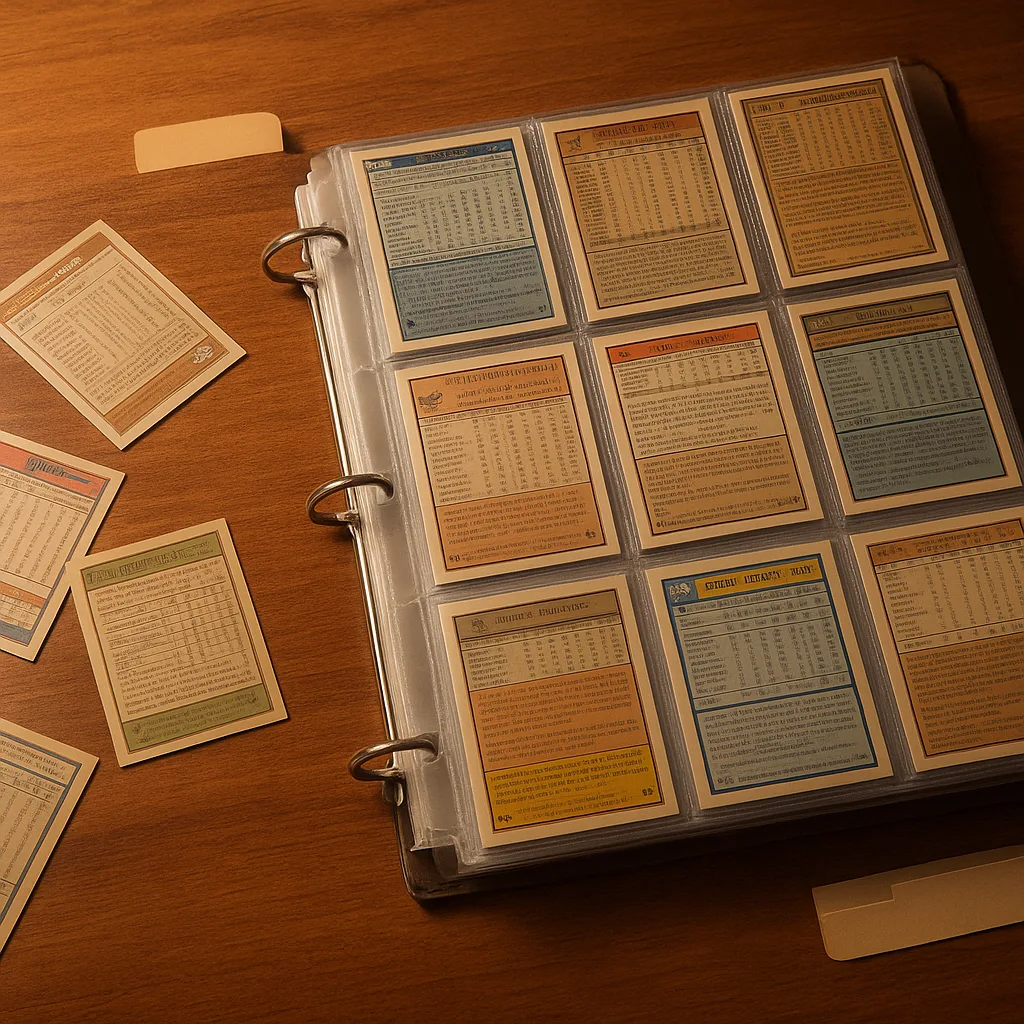
Essential catalog fields
- Player name and team
- Set name, year and card number
- Condition notes and grade (if graded)
- Purchase price, date, and seller
- Current market value and source of price
- Location (box/sleeve) for physical storage
Checklist features are essential for tracking baseball card sets—mark which cards you own, which you need, and quickly see set completion percentage.
- Use checklists to chase single-year sets (e.g., 1990 Topps) or multi-year franchises.
- Export lists when selling or trading to share with buyers or fellow collectors.
Valuation, price checking and realistic value ranges
Valuation is often what collectors care about most. Good baseball card tracking software aggregates price data from recent sales and marketplace listings, but values vary by condition and grade.
- Price sources commonly used: eBay sold listings, PSA/Beckett population reports (for graded cards), COMC, and hobby marketplaces.
- Look for price history charts showing highs/lows and recent sale counts.
Comparison and value ranges
When checking prices, expect wide ranges depending on card condition and rarity:
- Common modern base cards: small cents to a few dollars in raw condition; higher if graded Gem-Mint.
- Popular rookies and star parallels: can range from low double-digits to much higher, depending on demand and grade.
- Vintage key cards and top rookies: often vary widely—prices can go from hundreds into the thousands based on condition and grading.
Never rely on a single price point. Use multiple sources and remember that prices fluctuate with the market. A good tracker will show a range and note the source (e.g., recent eBay sales vs. graded auction results).
Grading and authentication: what tracking software should do
Grading (PSA, SGC, Beckett) dramatically impacts value. Tracking software should let you record graded cards, enter certification numbers, and link to grading company records where possible.
- Store grade, grading company, certification number and date graded.
- Link to PSA/Beckett lookup pages for quick verification of slab details.
- Note population and scarcity information when available—but don’t treat population figures as exact market value.
Some advanced tools can pull grade verification via APIs or allow bulk-import of certificate numbers. For raw cards, a photo-based condition estimate feature is helpful, but manual review or professional grading is the final authority.

Best baseball card tracking software and apps (what to consider)
There are many apps and services—some focus on valuations, others on collecting and inventory. Below are types and examples to consider, with notes on cost and strengths.
- Free mobile scanners & collectors: Orvik — a free AI app that identifies cards from a photo, shows market value, and helps track collections. Great for quick ID and start-to-finish tracking on your phone.
- Paid subscription platforms: Some hobby websites and apps offer premium price feeds, advanced analytics and private marketplace features. Monthly fees vary by provider and features, so compare what you need.
- Marketplace-linked trackers: Tools that connect to eBay/COMC data can give immediate price context but may require marketplace accounts.
- Database & community resources: tradingcarddb.com style databases and hobby forums provide historical set checklists and crowd-sourced condition notes.
How to evaluate a tool
- Test the scanner on a sample of your cards—accuracy matters more than brand hype.
- Check how the app sources pricing and whether it shows recent sales rather than just listed prices.
- Ensure export/import options so you don’t get locked into one platform.
- Consider device support: do you want a phone-first baseball card app or desktop access?
Building checklists and tracking entire baseball card sets
If you collect full sets—or want to chase particular insert runs—checklist functionality is key. Use these steps to build reliable set trackers.
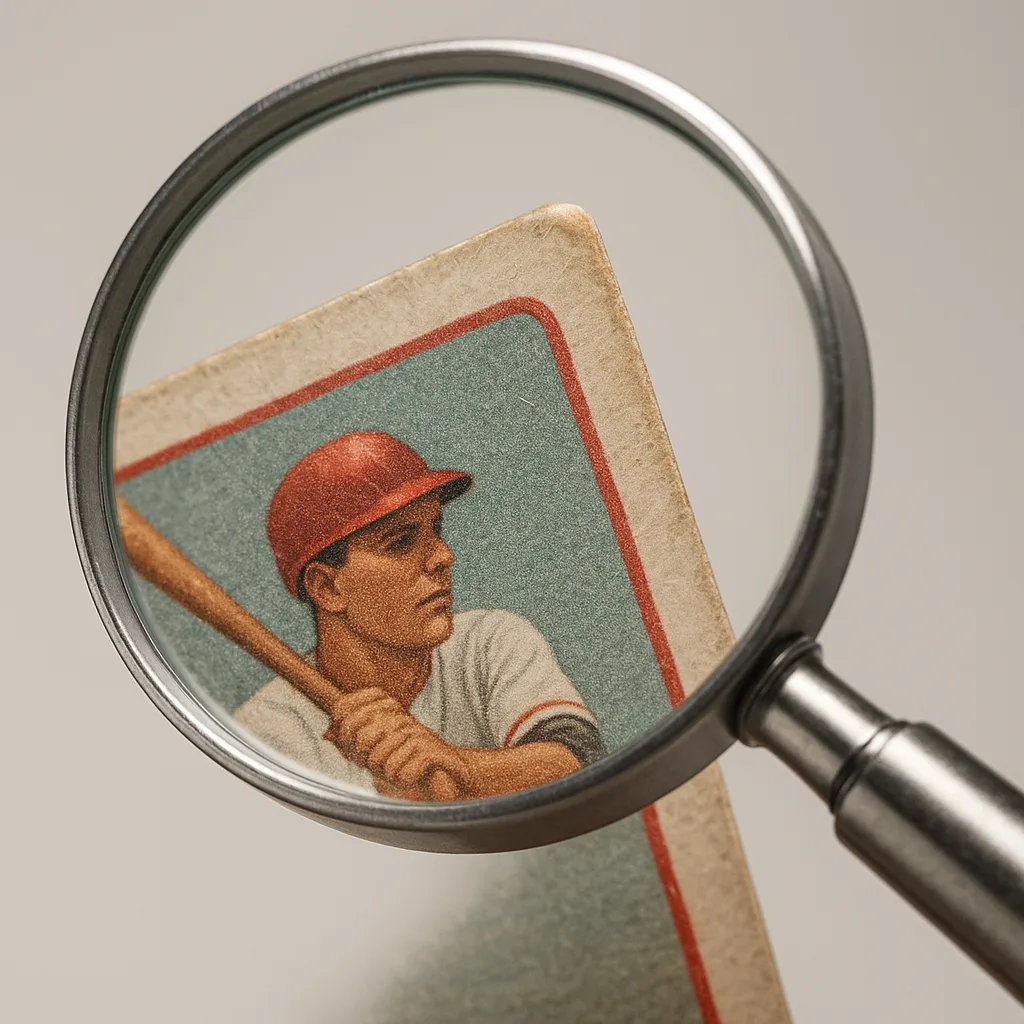
- Start with a trusted set list from a trading card database (baseball) or hobby publisher.
- Import or create the set in your software, including base cards, short prints and parallels.
- Mark owned cards, add condition notes, and record duplicates separately.
- Create wishlists or wantlists to share when trading or negotiating purchases.
Many apps let you filter by player, team, or card type so you can focus on subsets like rookie cards or autographs. Use the checklist completion percentage to prioritize purchases.
Practical tips and best practices
- Use high-quality photos: neutral light, minimal reflection, clean background. Good images improve scanner accuracy and resale listings.
- Keep condition notes consistent: use a simple scale (Mint, Near Mint, Excellent, Good, Fair) and add short text notes for chips, creases or centering.
- Back up your database regularly—export CSV or use cloud sync.
- Use watchlists and alerts for price drops or newly listed cards you need.
- Verify grading certificates before accepting slab details as truth—enter the certification number into the grading company's lookup if possible.
- Balance automation and manual checks: AI scanners speed things up, but you’ll still want to confirm tricky cards, reprints or foreign editions.
Conclusion
Baseball card tracking software transforms how you manage, value and enjoy your collection. Choose tools with accurate identification, robust valuation sources and flexible inventory management. Try a free option like Orvik to quickly scan cards and see market context, then add a subscription service if you need deeper analytics or graded-population data. With the right workflow—good photos, consistent condition notes and reliable backups—you’ll save time and get more confidence when buying, selling, or insuring your baseball cards.
Work through it yourself
The keys below are free, need no account, and render every entry in the page source — so they work with scripting switched off, and the whole list is readable rather than hidden behind a filter.
- What is the silver in this coin worth? — Melt value for 22 circulating silver and gold coins at any spot price.
- What animal made this track? — Count toes, check for claws, measure the print — narrows 36 species fast.
- Is this plant poisonous to dogs or cats? — Look up 73 plants and see what each one does to a dog, a cat or a horse.
- CoinSnap alternatives — and why no photo can grade a coin — prices and in-app purchase lists pulled from the App Store, not typed.
- PictureThis or PlantNet: which plant identifier should you use? — prices and in-app purchase lists pulled from the App Store, not typed.
Frequently Asked Questions
- What is the best baseball card tracking software for beginners?
- Start with a free, photo-based app that identifies cards and tracks basic inventory—Orvik is a good no-cost option. As you scale, consider paid apps with price feeds and grading integrations.
- Can a baseball card scanner app tell if a card is a reprint?
- Some advanced scanner apps detect known reprint features or alternate designs, but accuracy varies. Always verify by comparing backs, print lines and small design details, and consult databases or experts for vintage cards.
- How do tracking apps determine a card's market value?
- Most aggregate recent sales and marketplace listings (e.g., eBay solds, COMC) and may show median or average prices and price history. Values should be treated as ranges because condition and grade dramatically affect price.
- Do tracking tools support graded cards?
- Yes. Good trackers allow you to enter grading company, grade, and certification numbers and often link to grading lookup pages to confirm slab details.
- Can I export my collection from a baseball card app?
- Most quality apps offer CSV or Excel export so you can back up data, move to another platform, or prepare lists for sale. Check export options before committing to a paid plan.
- Are there free databases for baseball card sets and checklists?
- Yes—several community databases and hobby sites provide set checklists and card numbers. Use them to build sets in your tracker, then verify with publisher checklists when needed.
- How accurate are condition or grade estimates from apps?
- Photo-based condition estimates can be helpful for quick sorting but are not a substitute for professional grading. Surface reflections, centering, and edge wear can be hard to judge from photos alone.
- What should I do before selling a valuable baseball card?
- Photograph the card clearly, confirm identity and any grading, check recent sales for similar condition/grade, set a realistic price range, and choose the best marketplace or auction platform for exposure.