
Why use a sports card scanner app in 2026?
The hobby has matured: collector demand, graded slabs, and online marketplaces mean quickly identifying a card and checking recent market activity matters. The best sports card scanner apps 2026 help you:
- Identify cards from a photo (set, year, card number)
- Estimate market value using recent sales and price guides
- Track and manage collections and wants
- Decide whether grading or listing is worth it
Throughout this guide we’ll evaluate apps on accuracy, price data, scanning quality, collection tools, and grading integration. If you want a fast, free way to ID and value a card from a photo, Orvik is a solid start; it identifies cards and shows market value from a single photo.
Top picks: best sports card scanner apps 2026
Below are leading apps and services that collectors rely on in 2026. Each entry highlights strengths and limitations so you can match an app to your workflow.
Orvik — best free quick ID & valuation
- Strengths: Free photo ID, quick market-value estimates, collection tracking basics.
- Best for: Beginners, quick garage-sale checks, inventory start-ups.
- Limitations: Advanced market analytics and deep historical charts are limited compared with paid tools.
CollX — photo scanning + automated inventory
- Strengths: Reliable photo recognition across sports, easy inventory export, marketplace integration in some regions.
- Best for: Users who want automated scanning and basic selling workflows.
- Limitations: Some features behind paywalls or seller fees.
CardLadder — market data & trend tracking
- Strengths: Deep market charts, comparables, historical price tracking for many basketball, football, baseball cards.
- Best for: Investors and active traders who want price trends and rarity context.
- Limitations: Not primarily a one-photo scanner; subscription required for full data.
Beckett (Beckett Grading & Price Guide)
- Strengths: Longstanding price guide and grading authority, editorial content, marketplace feed.
- Best for: Collectors who value Beckett’s price research and grading guidance.
- Limitations: Full price guide access usually needs a subscription.
HobbyDB — database & marketplace
- Strengths: Extensive catalog of sets and variations, community-driven pricing, marketplace integration.
- Best for: Collectors of niche sets and those who want a community database.
- Limitations: Price accuracy varies by popularity of the card; heavy community curation.
eBay app + Terapeak comps
- Strengths: Real recent sales comps from the world's largest marketplace; Terapeak tooling surfaces trends.
- Best for: Finding recent sale prices and getting listing-ready comps.
- Limitations: Requires manual search or filters; some sales include shipping and fees that affect net.
SportsCardInvestor / Market tools
- Strengths: Market analysis, community insights, watchlists for cards/players.
- Best for: Active investors who track player narratives and market movers.
- Limitations: Primarily data and community; limited photo-lookup capability.
How to choose the right app for your needs
Different collectors have different priorities. Use this checklist to match an app to your goals.
- Identification accuracy: If you frequently buy at shows, prioritize apps with strong OCR and image recognition (Orvik, CollX).
- Price data depth: Investors need apps with historical trends (CardLadder, SportsCardInvestor).
- Collection management: Look for CSV exports, cloud sync, and tagging features.
- Marketplace integration: If you plan to sell, apps with direct listing tools reduce friction.
- Budget: Some apps are free; many impose subscriptions for pro-level data.
Scanning tips to get accurate IDs and values
Even the best scanner apps need quality input. Follow these practical tips when photographing cards.
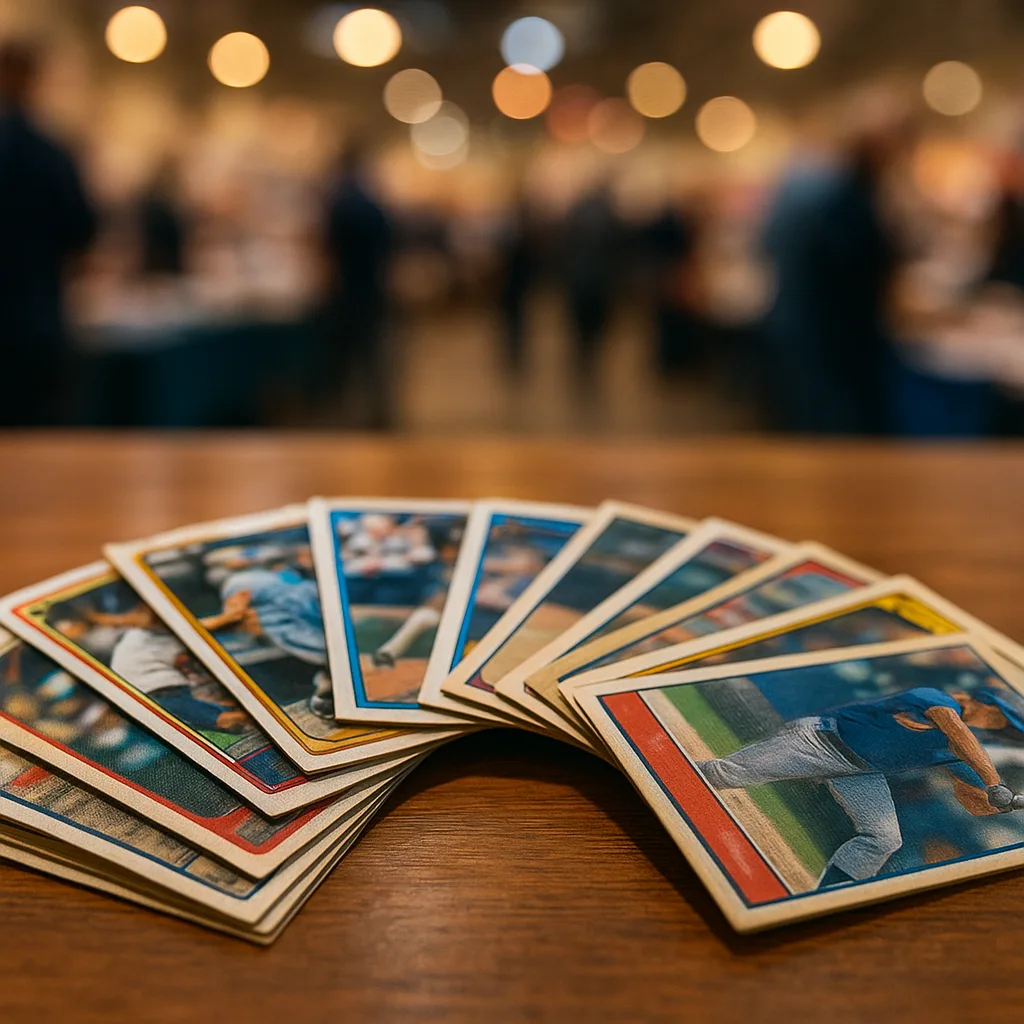
- Use natural, even light; avoid glare from sleeves or top-loaders.
- Place the card on a plain, contrasting background to help cropping algorithms.
- Center the card and fill most of the frame; allow the app to auto-crop when possible.
- Include clear shots of front and back; backs often contain set and manufacturer info.
- Note condition and take close-ups of corners/edges; valuation often hinges on perceived condition.
Valuation, grading, and where to check prices
Understanding value requires more than a single price. Use apps to triangulate: recent comps, grading premiums, and rarity context.
How apps deliver value estimates
- Recent sales comps (eBay, marketplace integrations) — best for market reality.
- Aggregated price guides (Beckett, CardLadder summaries) — good for historical context.
- Community valuations (HobbyDB, forums) — helpful for niche issues like parallels or printing errors.
Grading and premiums
Professional grading (PSA, SGC, Beckett/BCG, CGC Sports) can meaningfully raise value, but fees, turnaround time, and risk of loss must be considered. Apps help you decide:
- Estimate the card’s likely grade from high-resolution photos and condition notes.
- Compare prices for raw vs. slabbed examples of similar grade ranges (if available).
- Factor grading fees, shipping, and potential conservation or “no grade” risks into net value.
Comparison: price ranges and app costs
Never rely on a single number. Below are realistic, hedged perspectives on card values and what apps cost in 2026.
Card value ranges (broad categories)
- Commons and low-demand modern inserts: cents to a few dollars in raw form.
- Popular rookies and mid-tier graded cards: tens to hundreds of dollars depending on player and grade.
- Key rookies, rare parallels, low-numbered autographs: hundreds to tens of thousands—varies dramatically by rarity, grade, and player.
- Top-tier iconic or vintage cards in high grade: could range from tens of thousands to multi-million for legendary pieces; recent sales vary by grade and market conditions.
Typical app cost structures (2026)
- Free tier: Orvik and eBay offer free basic ID and sale-searching features.
- One-time or pro feature fees: CollX may charge for seller features or bulk exports.
- Monthly subscriptions: CardLadder, Beckett, and some investor tools often use monthly or annual subscriptions for full data access.
- Marketplace selling fees: Apps tied to selling platforms usually take listing or final value percentages.
Always compare the value you need (quick ID vs. deep analytics) with recurring costs before subscribing.
Football card-specific scanning and apps
If you collect football cards, you’ll want apps that handle set variations, rookie distinctions, and specialty parallels or autograph stratifications.
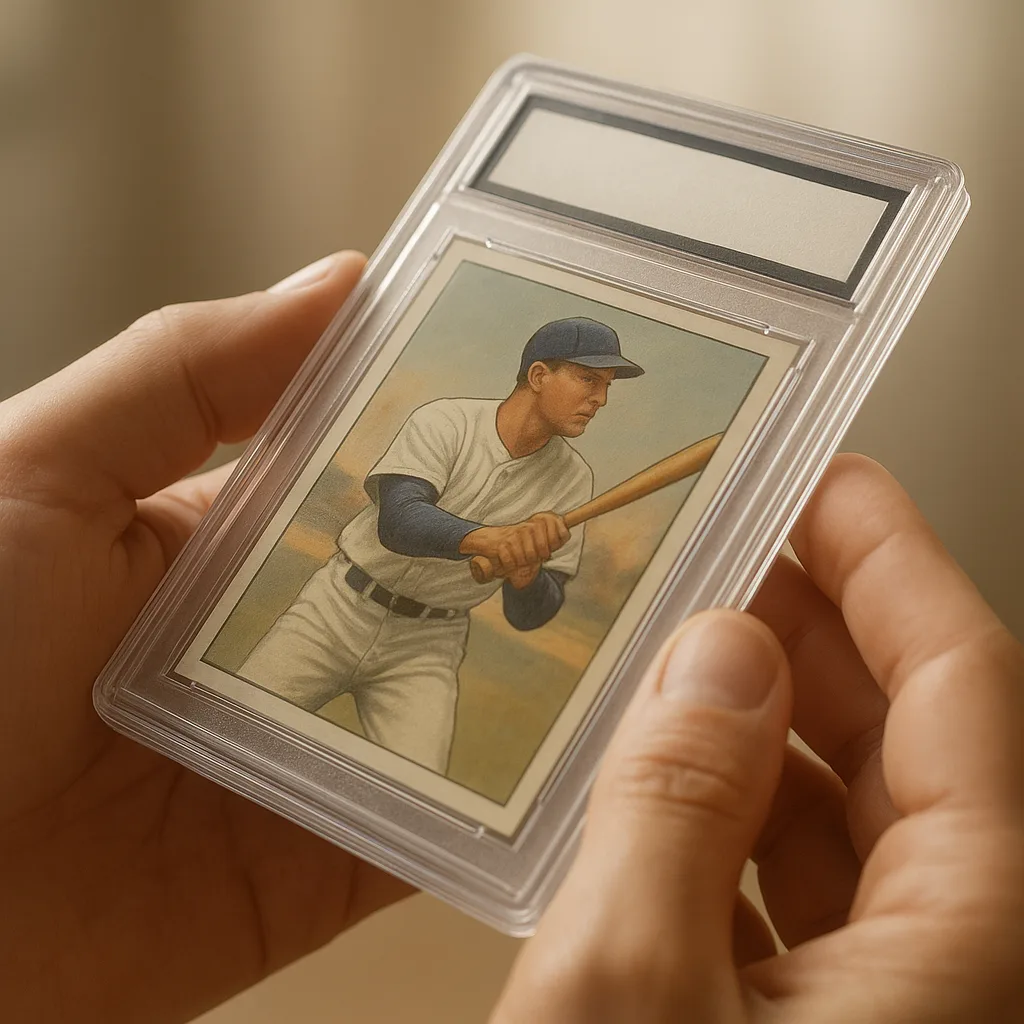
- Key features for football collectors:
- Reliable set/year recognition for NFL cards (including Panini/Topps variances).
- Ability to differentiate autographs, jersey swatches, and serial-numbered parallels.
- Player name normalization (e.g., nicknames, suffixes) to avoid mismatches.
- Good workflow: Use a football card scanner (Orvik or CollX) to identify, then pull comps via eBay/CardLadder, and check grading desirability with Beckett or PSA guidance.
- For new rookies: track both rookie-card designations and whether a card is short-printed or numbered—these materially affect valuation.
Best free sports card scanner app 2026 and complementary tools
Free options can be surprisingly powerful when combined thoughtfully.
- Orvik — great free starting point: photo ID, market-value snapshots, and basic collection tracking.
- eBay app — free to use for searching recent sold listings to get real-world comps.
- HobbyDB — free account gives access to a community database for rarer or vintage items.
Combine a free scanner (Orvik) with free marketplace searches to form a no-cost valuation workflow. If you need deeper analytics, consider upgrading to a subscription service selectively.
Workflow: From photo to sale (practical step-by-step)
Use this practical workflow whether you’re buying at a show or inventorying a collection.
- Photograph front and back using even light and a plain background.
- Scan with Orvik or CollX to identify set, year, and card number.
- Check recent sold comps on eBay and price-trend tools in CardLadder or SportsCardInvestor for context.
- Decide on grading: compare raw vs. slabbed comps in relevant grade ranges, and factor grading fees and chance of 'no grade'.
- If selling, prepare accurate photos, list with comparable prices, and disclose condition honestly. Use marketplace-integrated apps for streamlined listing when available.
Conclusion
The best sports card scanner apps 2026 depend on your goals. For quick, free photo identification and a fast value snapshot, Orvik is an excellent starting point. CollX, CardLadder, Beckett, and other paid services add deeper analytics, marketplace integration, and professional price guides. Use a combination—scan with Orvik, confirm comps via eBay or CardLadder, and consult grading services when grading premiums matter—to make confident buying, grading, and selling decisions.
Work through it yourself
The keys below are free, need no account, and render every entry in the page source — so they work with scripting switched off, and the whole list is readable rather than hidden behind a filter.
- Is this plant poisonous to dogs or cats? — Look up 73 plants and see what each one does to a dog, a cat or a horse.
- What snake did I just see? — Pattern, size and region — 28 US snakes, venomous ones flagged.
- What succulent is this? — Growth form, leaf shape and flower narrow 28 succulents.
- Orvik or Picture Insect: one domain or eight — prices and in-app purchase lists pulled from the App Store, not typed.
- Merlin or the Audubon Bird Guide: scanner against field guide — prices and in-app purchase lists pulled from the App Store, not typed.
Frequently Asked Questions
- Which is the best free sports card scanner app in 2026?
- Orvik is one of the best free options for photo-based identification and quick market-value snapshots; pairing it with free eBay sold listings gives a solid no-cost workflow.
- Can apps accurately grade cards from photos?
- Apps can estimate likely grades using photos, but professional grading (PSA, SGC, Beckett, CGC) requires submission and in-person inspection; estimates are useful but not definitive.
- How do I tell reprints or modern shop variations from originals?
- Check manufacturer marks, copyright years, card backs, and print details; apps can flag common reprints, but cross-referencing set guides, serial numbers, and reputable databases ensures accuracy.
- Are subscription apps worth the cost?
- If you trade frequently or need deep market analytics, subscriptions (CardLadder, Beckett) can pay for themselves by revealing trends and better comps; casual collectors may rely on free tools.
- Which apps are best for football card collectors?
- Orvik and CollX are good for football card scanning and identification; use CardLadder or eBay sold listings for valuations and Beckett/PSA guidance for grading decisions.
- How should I use multiple apps together?
- Scan with a photo-ID app (Orvik/CollX), verify recent sales on eBay, view trend charts on CardLadder or investor tools, and consult grading resources before submitting to a grading service.
- Do these apps show recent sale prices or just price guides?
- Many apps provide both: eBay and marketplace-integrated tools show recent sold listings, while CardLadder, Beckett, and HobbyDB offer aggregated price-guide data and historical trends.
- Can I manage my collection inside these apps?
- Yes—most major scanner and database apps offer collection tracking, CSV export, and tagging. Orvik provides basic collection tracking as part of its free identification workflow.